> ## Documentation Index
> Fetch the complete documentation index at: https://tutorials.spellslate.com/llms.txt
> Use this file to discover all available pages before exploring further.
# First breakdown
# Your first breakdown
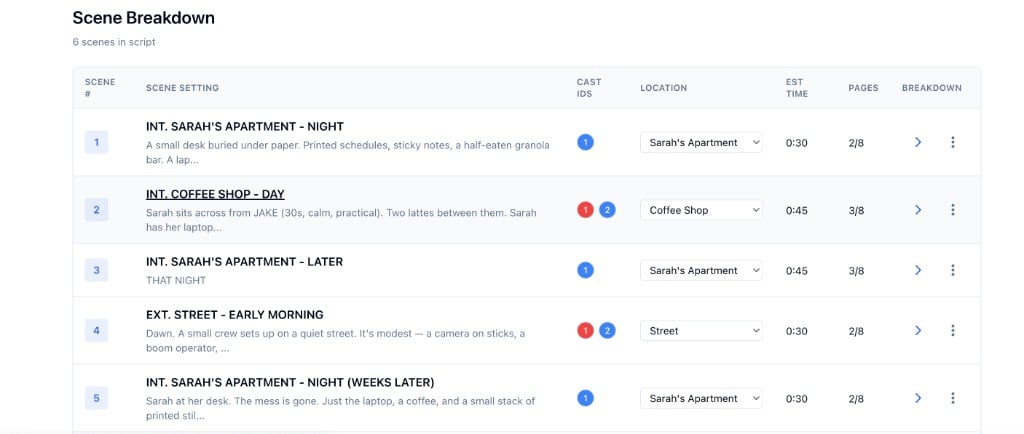
Once you have a script, the breakdown extracts:
* **Scenes:** INT/EXT locations with time of day
* **Characters:** From dialogue cues
* **Locations:** From scene headings
Open the **Breakdown** tab to see and edit your scenes.
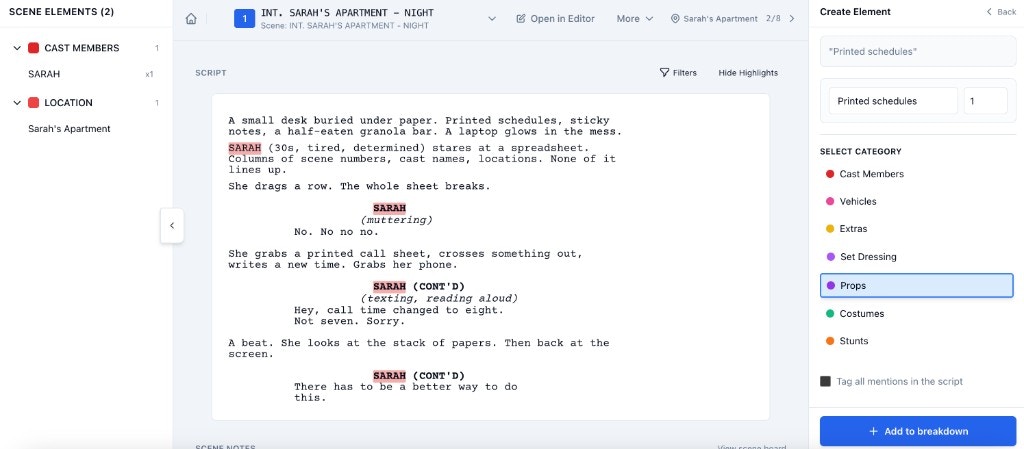
 Use the category views (Characters, Locations, Props, etc.) to review and merge duplicates.
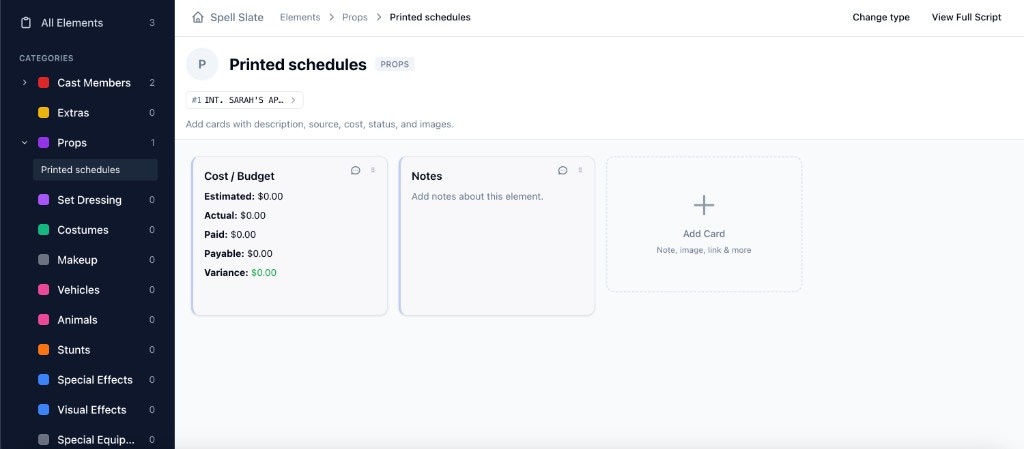
 Each entity (character, location, scene, item) has a **board** where you can add notes, links, cast members, and contacts.