Skip to main content
Spell Slate home page
Search...
⌘K
Ask AI
Search...
Navigation
Introduction
Introduction
Onboarding
Onboarding
Getting started
Import script
First breakdown
First schedule
First shot list
First call sheet
Scripts
Script editor
What is fountain text
Editing your title page
Using the script editor
Paste text into a screenplay
Download your script
Breakdown
How to start a script breakdown
Tagging elements in a script breakdown
Breakdown
Boards
Reports
Scheduling
Schedule
Shot lists
Shot list
Call sheets
Call sheets
Budget
Budget
Team & billing
Team and invites
Plan limits
Contacts
Project settings
More
Dpr
Tasks and notes
Advanced
Easy to miss
On this page
Create your first project
Onboarding
Onboarding
Create your first project
To get started with Spell Slate:
Click
Projects
in the navigation bar.
Click
New Project
(or the + button).
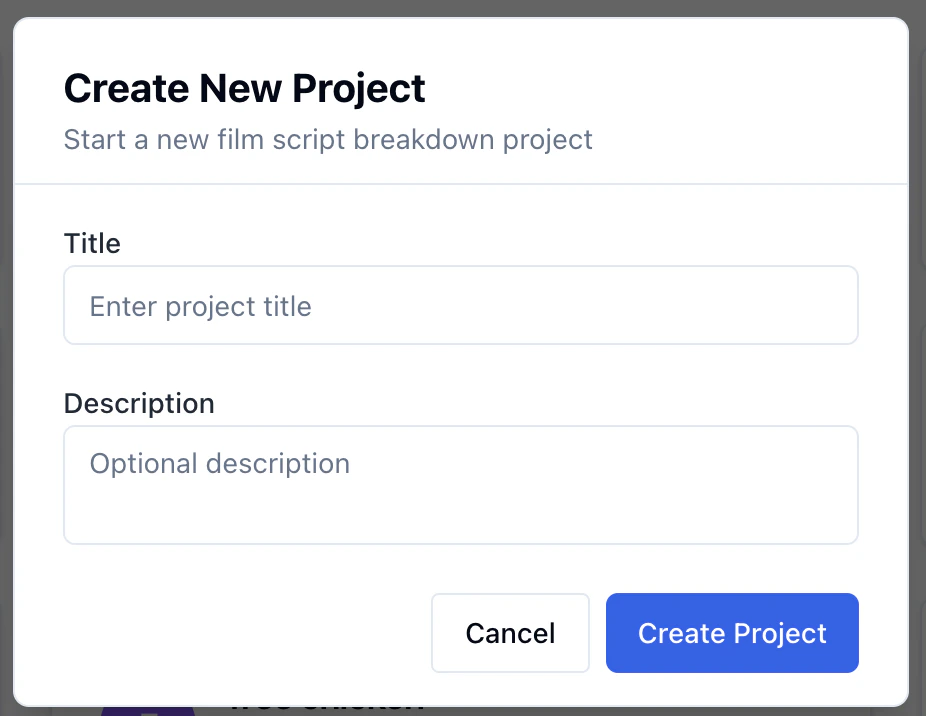
Enter a project title and click
Create
.
Your new project will open to the Script tab. From here you can import a script, write in the Fountain editor, or start with a blank document.
Introduction
Import script
⌘I
Assistant
Responses are generated using AI and may contain mistakes.