

Your first call sheet
Who can do this: Free plan on your first project, Supporter on all projects. Editing needs the Edit call sheets permission; sending by email needs Supporter.Every day on your schedule already has a call sheet, with that day’s scenes, talent, and set locations on it. Open Day 1’s, fill in what the sheet asks for, and send it.
Open Day 1’s call sheet
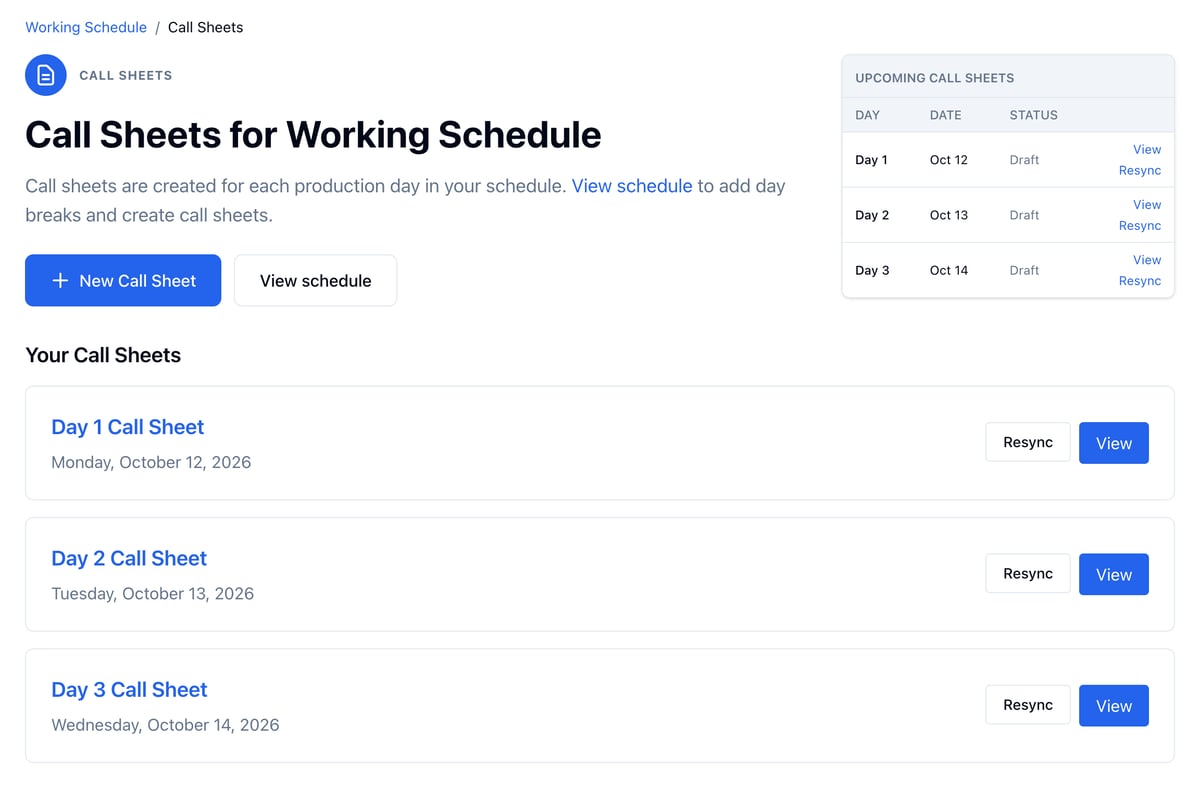
- Open Production and click Call Sheets.
- Click View on Day 1.
Fill in what it needs
The sheet says what it still needs before it can go out, under Send Call Sheet.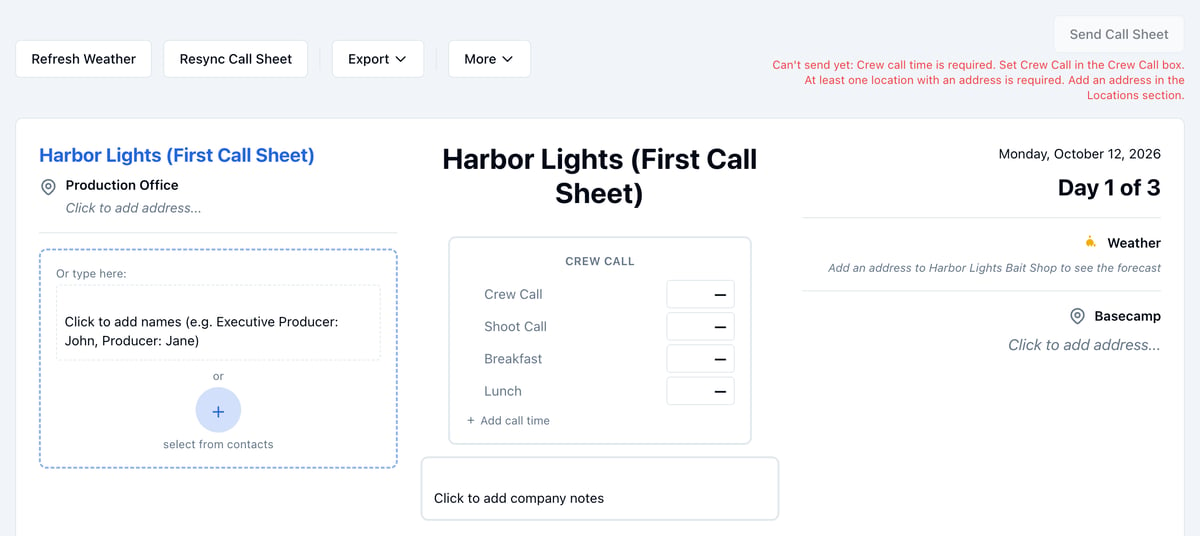
- In the Crew Call box, click the dash next to Crew Call and set the time. Set Shoot Call, Breakfast, and Lunch the same way if you know them.
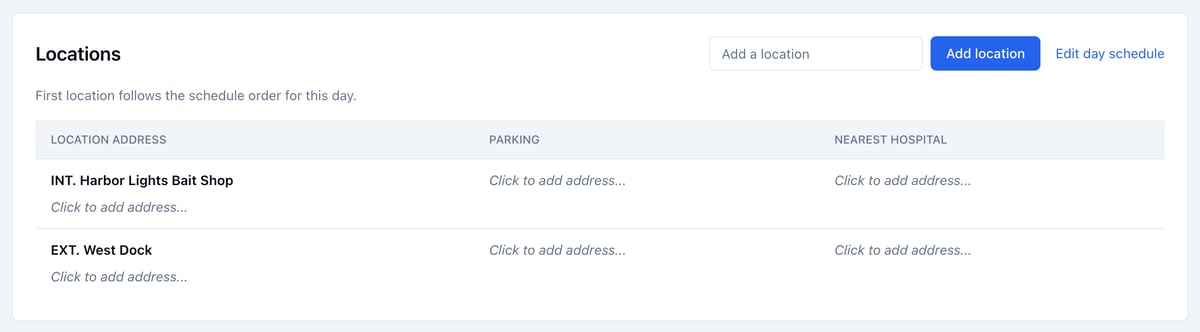
- In Locations, click Click to add address… under the first set location and fill in the address. Parking and the nearest hospital go beside it. See Weather and locations.
- In Crew, click + to open the Crew Grid and add your crew. See Managing crews.
- In Talent, check each actor’s call and where they arrive. See Managing cast.