How to start a script breakdown
Who can do this: Free plan on your first project, Supporter on all projects. Anyone with project access can read the breakdown and export it. Changing a scene’s location and tagging elements need breakdown edit access (owners, admins, and members with Edit breakdown).The first pass of a breakdown is the dull part: number the scenes, list who is in each one, note where it happens. Spell Slate does that pass the moment your script lands, so you start at the part that needs a person. Find it under Breakdown → Breakdown in the project nav.
Import the script
There is no button to start a breakdown. Importing the script builds it. See Import a script. Until a script is in, the page says No script yet and offers Import script. The import gives you three things:- Scenes. Every scene heading becomes a numbered scene, with its interior or exterior, its place, and its time of day.
- Characters. Everyone with dialogue is listed, linked to the scenes they speak in, and given a cast ID.
- Locations. The place in each heading goes into the project’s location list.
Read the Scene Breakdown table
Each row is one scene.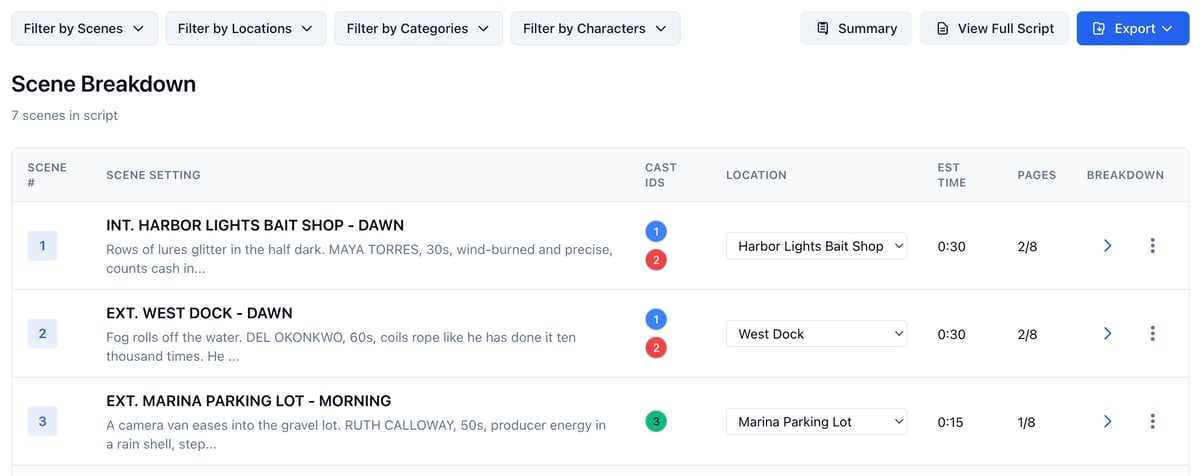
- Scene Setting shows the heading and the scene’s opening lines. Click the heading, or the arrow under Breakdown, to open that scene and tag it.
- Cast IDs are the characters in the scene. Click one to open that character’s board.
- Location is a menu. Pick from it to move a scene to a different location.
- Est Time counts fifteen minutes for every eighth of a page. It is a starting point for the schedule, not a promise.
- The three dots at the end of a row download that scene’s Scene Breakdown PDF.
Narrow the table
Use Filter by Scenes, Filter by Locations, Filter by Categories, or Filter by Characters to show only the scenes you want. The character filter lists each character beside their cast ID.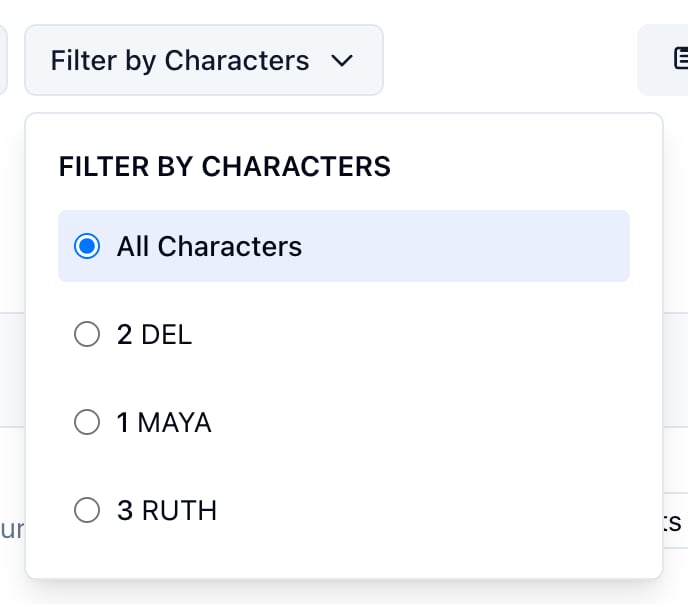
See the script at a glance
Click Summary. Each scene becomes one card with its pages, cast count, and est time, under a header that totals the scenes, the pages, and the time. Table View takes you back.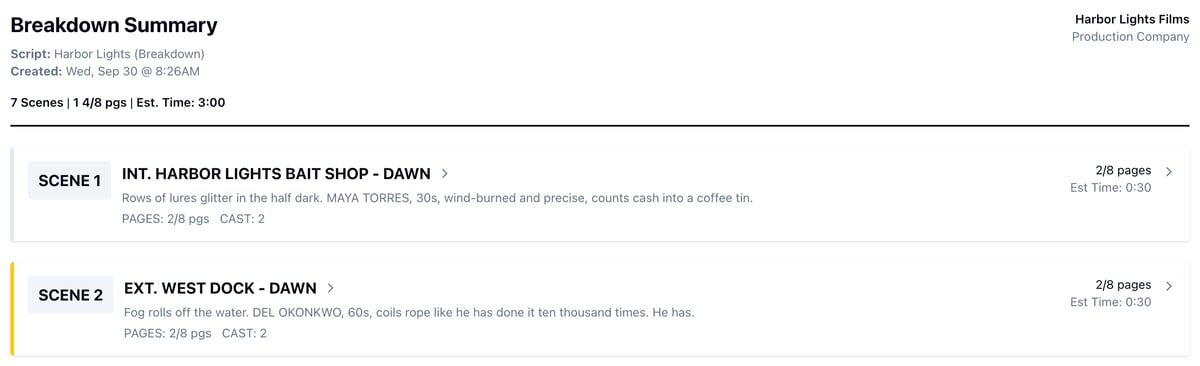
Export it
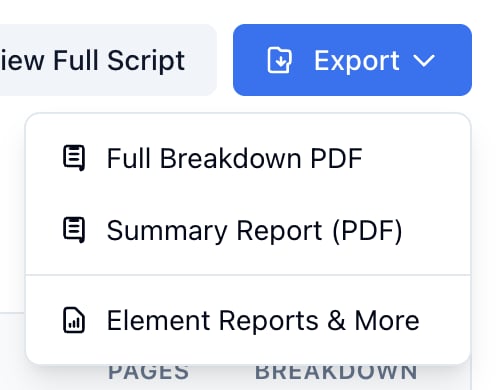
Click Export.- Full Breakdown PDF prints a breakdown sheet for every scene.
- Summary Report (PDF) prints the Summary page.
- Element Reports & More opens Reports, where each department’s list lives.