Your first shot list
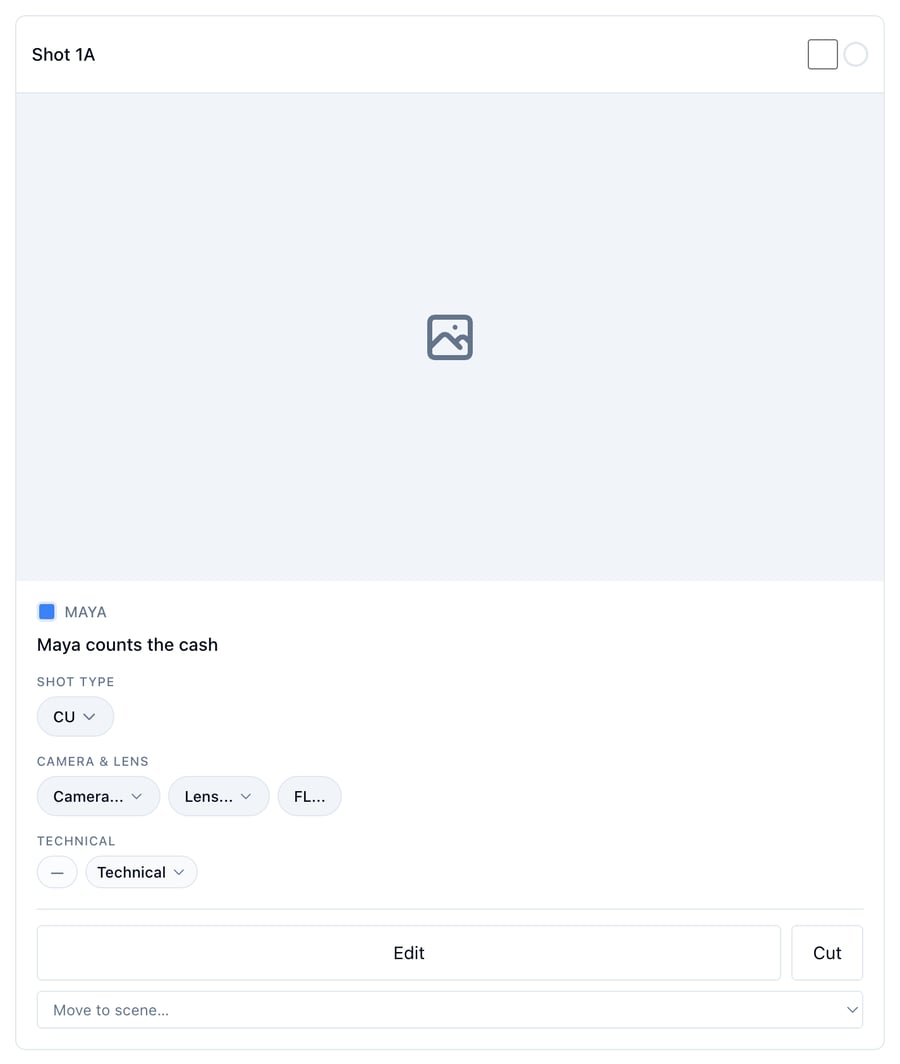
Who can do this: Free plan on your first project, Supporter on all projects. Building shots needs project edit access; members with view access get the read-only shot list. The Builder is for desktop and tablet.Your scenes are already in the Builder. Open one, call out the shots the way you would with your DP, and each shot lands with the script it covers.
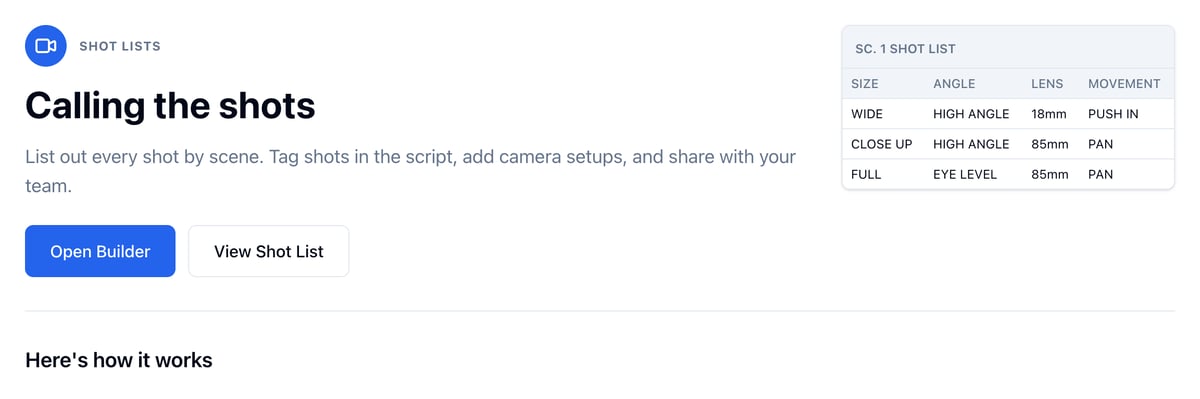
Open the Builder
- Open Visual and click Shot List.
- Click Open Builder.
- Scene 1 opens on its own. Click a scene in the left sidebar to switch.
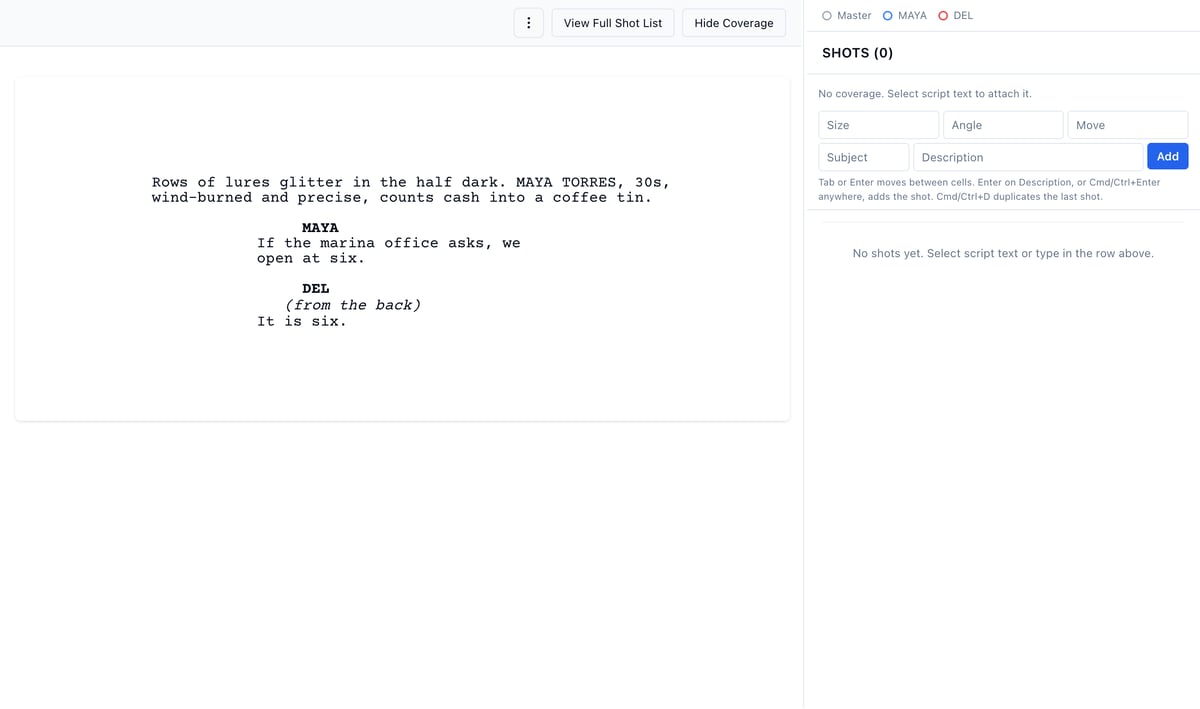
Add a shot
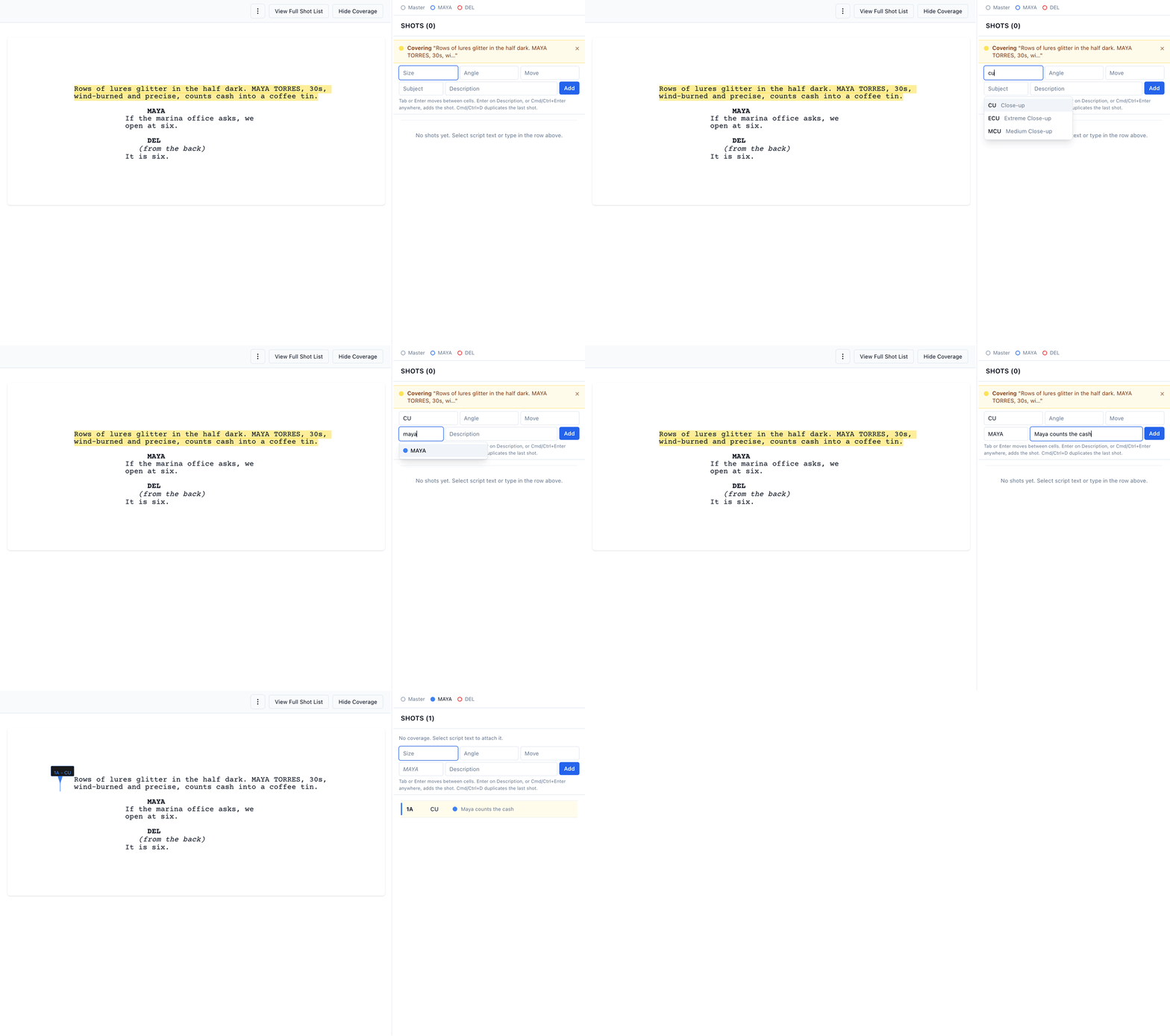
- Select the script text the shot covers. It stays marked in yellow, and a Covering note with your words appears above the entry row’s cells.
- Size is focused. Type a size, or press the down arrow to see the choices. Shorthand works:
cu,ws,ots. - Press Enter to take the suggestion and move on. Press Enter again to skip Angle and Move.
- In Subject, type the character’s name and press Enter.
- Type a Description and press Enter.
Shots by shoot day
Click the Lists tab in the sidebar. Your schedule’s days are there, and each day lists its scenes. Open one to build that day’s shots.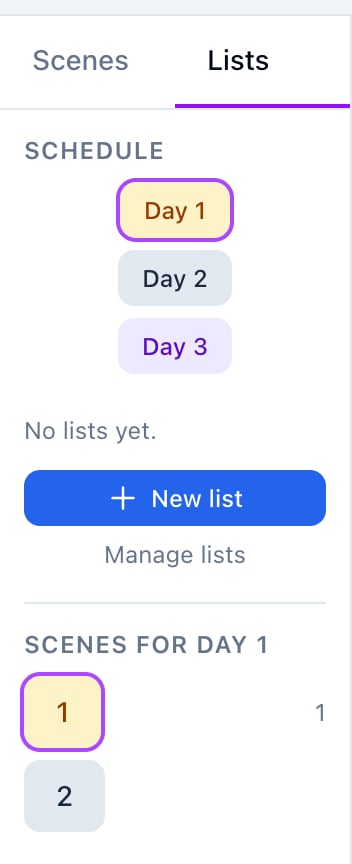
See the full list
Click View Full Shot List above the shots. When you are working one of that day’s scenes from the Lists tab, the button reads View Day 1 Shot List and opens the day’s shots across its scenes.