

Shot list
Who can do this: Free plan on your first project, Supporter on all projects. Building and editing shots needs project edit access; members with view access get the read-only View. The Builder is for desktop and tablet.The shot list is the plan for the camera. You call the shots against the script in prep, then carry the same list onto set and tick them off as they go in the can. Find it under Visual → Shot List.
Open the shot list
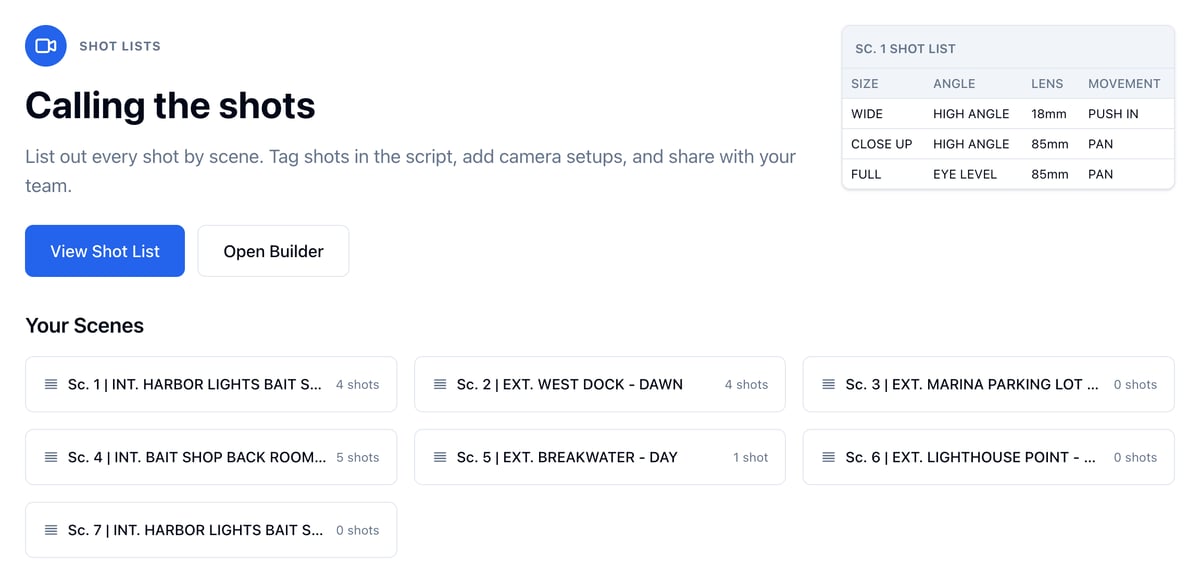
- Open Visual and click Shot List.
- Click a scene under Your Scenes to open its shots in the View.
Build shots from the script
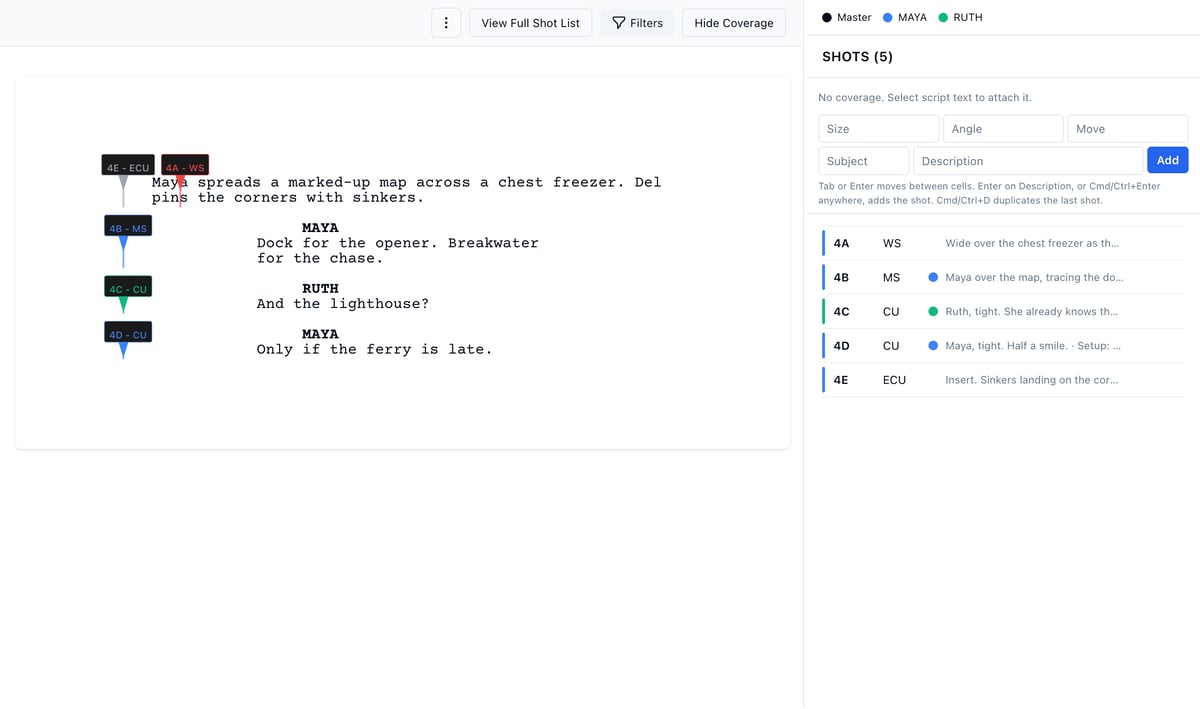
- Click Open Builder.
- The first scene opens on its own. Click a scene in the left sidebar to switch.
- Select a line of script and type the shot into the entry row.
Browse, edit, and export the list
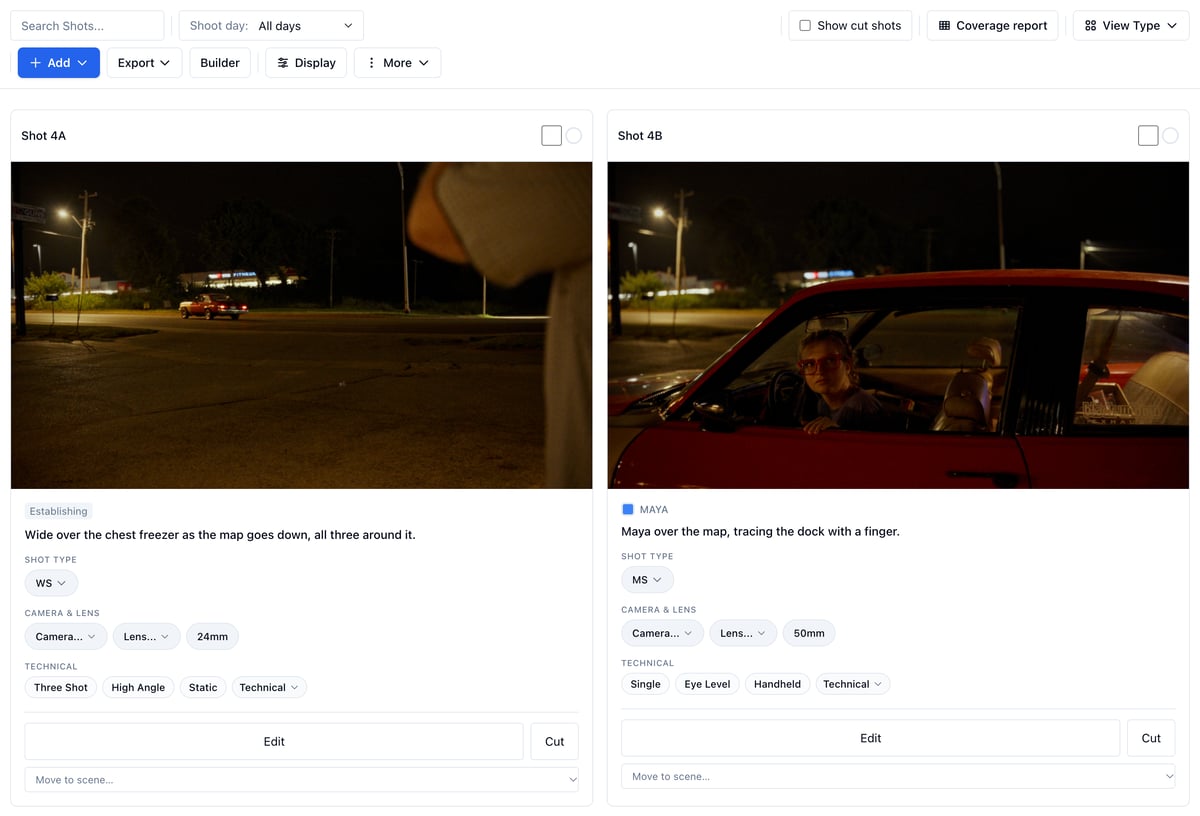
- Click View Shot List, or View from the Builder.
- Pick a scene from the bar at the top, or All Shots.
- Use View Type to switch between the table and one to five columns of cards.
Use it on the shoot day
- Open the View on your phone.
- Tap the circle on a shot when it is in the can.
Share it without an account
- In the View, open More → Share.
- Click Create view-only link, then copy the link.
Related
- Managing shot lists
- Reference images and storyboards
- Equipment, where the cameras and lenses on shots come from