Reports
Who can do this: Every plan, on every project (Free edits the underlying work on its first project only). The DPR, Exhibit G, and DPR distribution need Supporter; the Day Bible’s makeup, hair, and props day reports are Free on the first project. Anyone who can open a page can download its reports.Most reports live next to the thing they come from: the schedule’s Export menu, a call sheet’s More menu, a shot list’s Export. The Reports page collects the breakdown and schedule ones in one place for the day you need to send everything at once. Where to find it: open the Breakdown menu and click Reports. The Elements page also has a View all reports button.
Download breakdown reports
These need a parsed script. No schedule is required.- Open the Breakdown menu and click Reports.
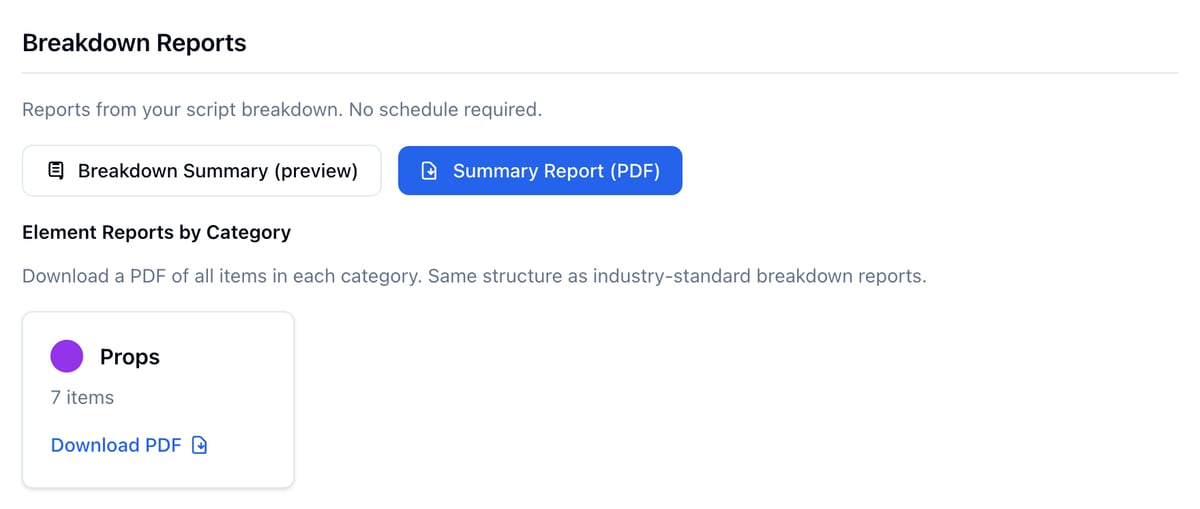
- Under Breakdown Reports, click Summary Report (PDF), or click Breakdown Summary (preview) to read it on screen first.
- Under Element Reports by Category, click Download PDF on a category. Only categories with tagged elements are listed, each with its item count.
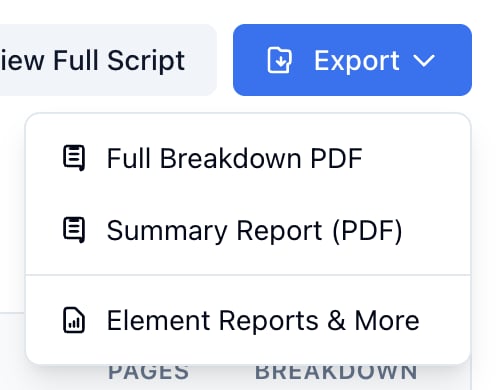
- Click Export at the top of Breakdown for Full Breakdown PDF (every scene, or the scenes you filtered to) and Summary Report (PDF).
- Click the three dots at the end of a scene row and choose Scene Breakdown PDF for that one scene.

Download schedule reports
These need a schedule. The Reports page uses your preferred schedule. If the project has more than one, pick it in the Schedule dropdown at the top of Production Reports.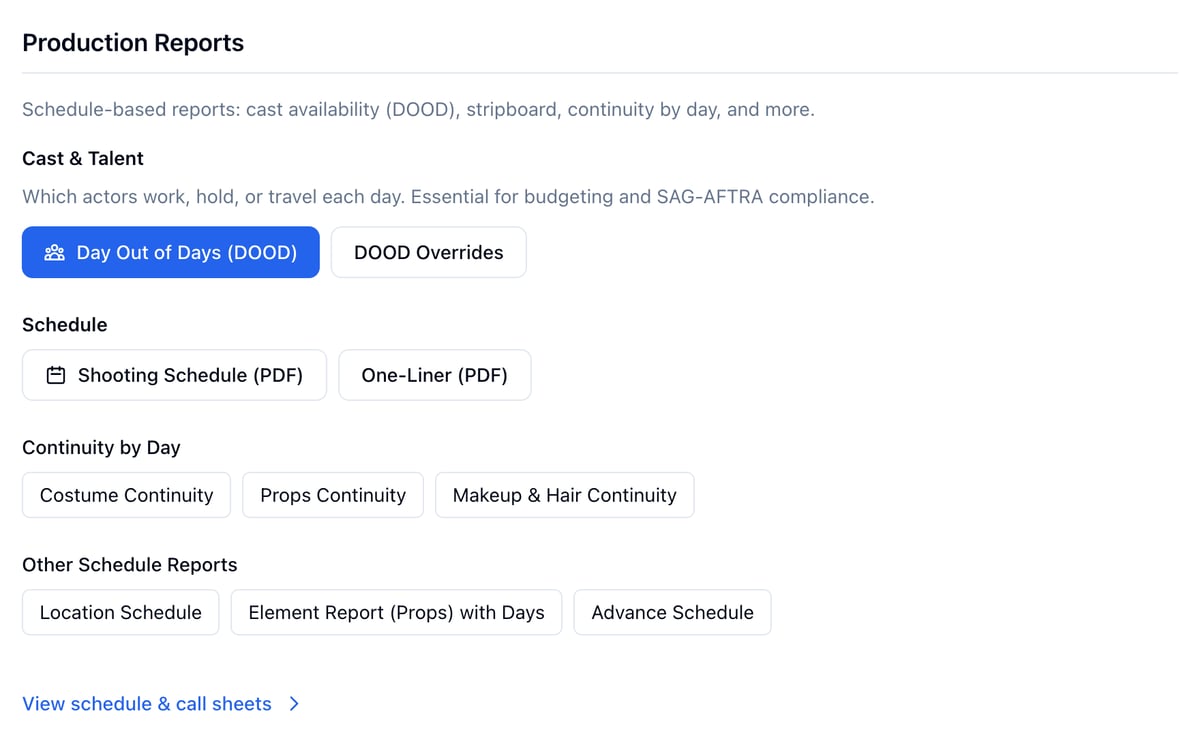
- Open Production and click Schedule, then open the schedule.
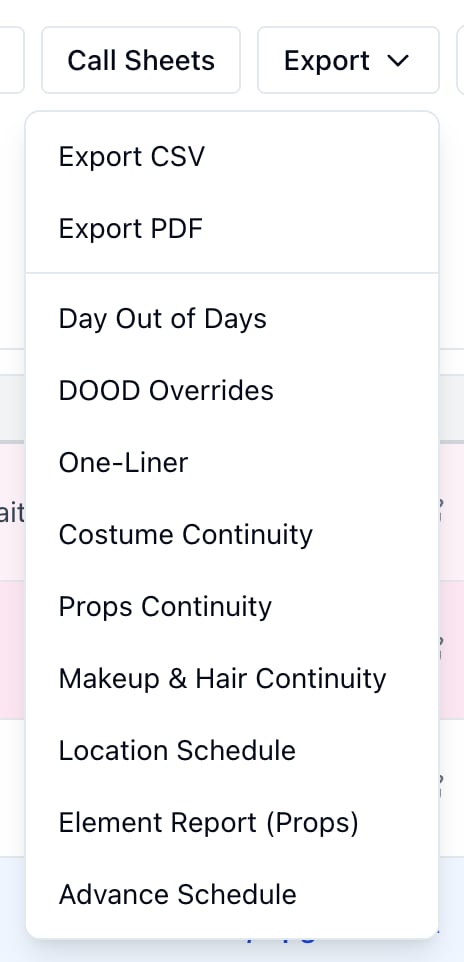
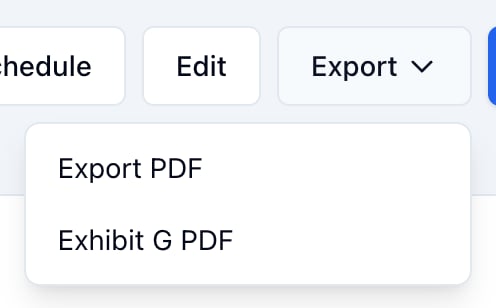
- Click Export in the header.
- Pick a report. Each one opens in a new tab.
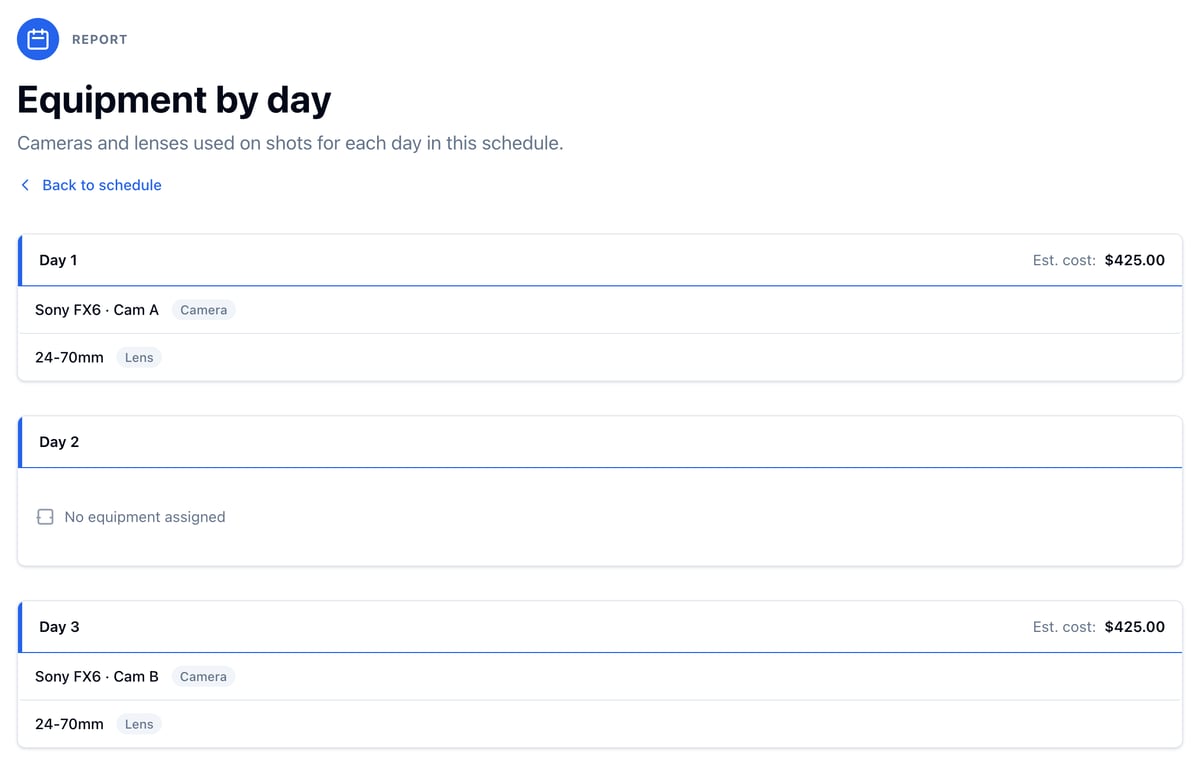
Cameras and lenses have their own by-day report. Open Production, click Equipment, then Equipment by day. See Equipment.
Download a day’s sides and reports
Each day in the schedule sidebar has its own set.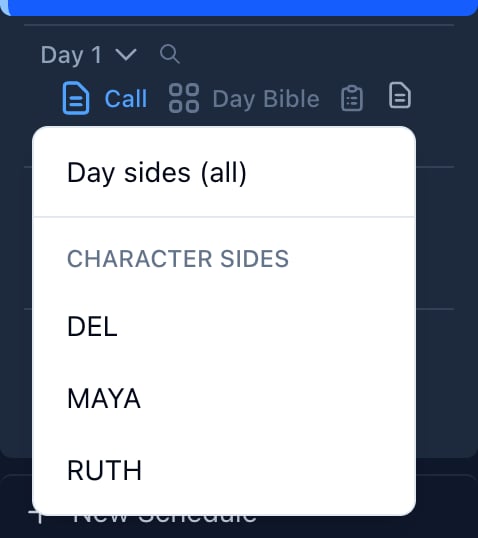
- Click the Day sides icon (the page) and choose Day sides (all) for every scene scheduled that day as a script PDF, or a character’s name under Character sides for only the scenes they are in.
- Click Day Bible for the day’s page, which has every report for that day. See below.
- Click the clipboard to create or open the day’s Daily Production Report.
Export the Day Bible
- Click Day Bible on the day in the schedule sidebar.
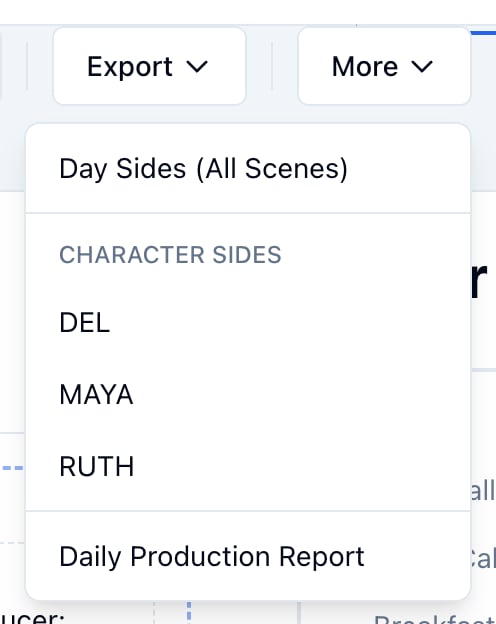
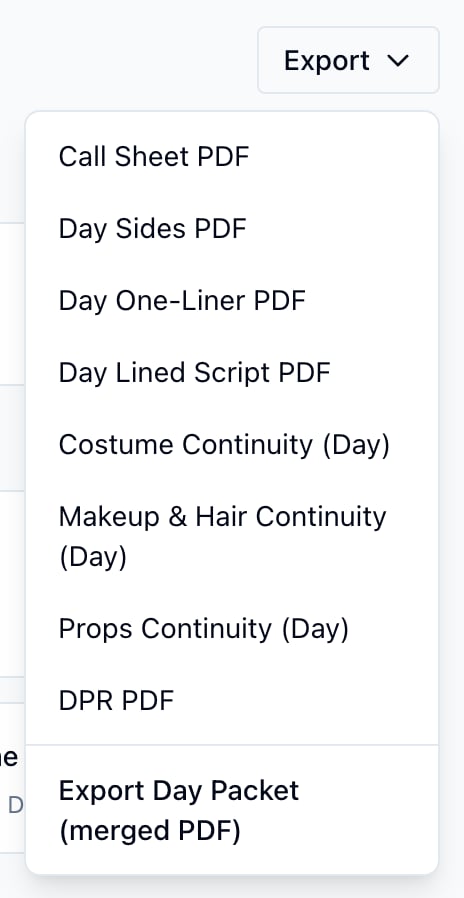
- Click Export in the header.
- Pick a single report, or click Export Day Packet (merged PDF) for all of them in one file.
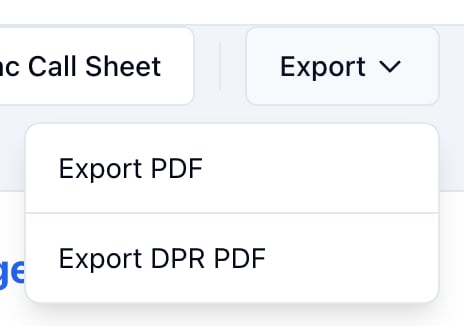
Export a call sheet and its DPR
- Open the call sheet.
- Click Export and choose Export PDF.
Export a shot list
- Open Visual and click Shot List, then View.
- Pick a scene.
- Click Export.
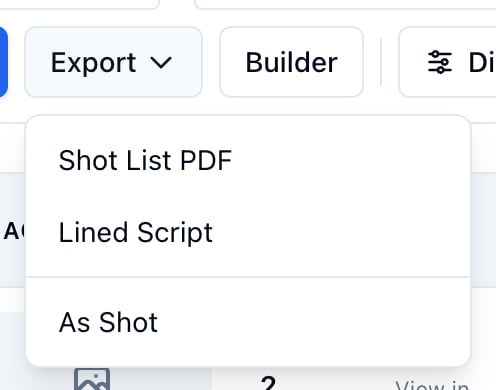
A shoot day or a custom list exports a Shot List PDF of its shots. The Coverage report is its own page. See Coverage report and View, export, and share.
Export the budget
Open Production, click Budget, then Export & reports.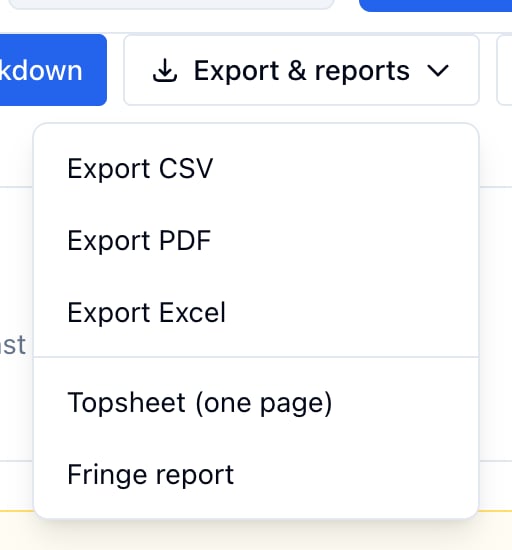
See Fringe and export.
Export the script
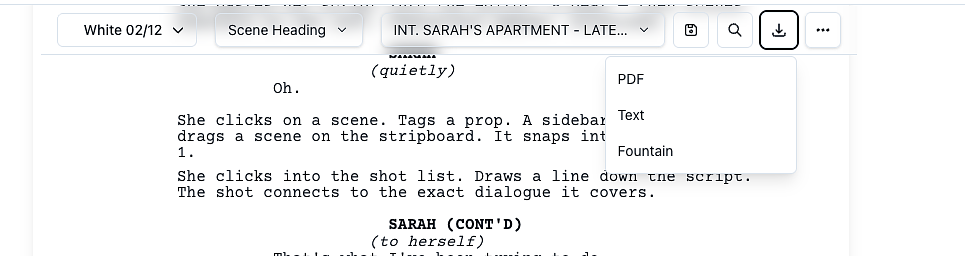
Open the Script tab and click the download icon in the toolbar, or Export on the version toolbar.