

Script and Editor
Who can do this: All plans. Editing the script needs the organization owner, an admin, or a member with Edit script; anyone on the project can read it.The breakdown, the schedule, and every call sheet read from the script, so a project starts here. You can write the script in Spell Slate or import one and keep polishing it in place. Either way there is one script, and the rest of the project follows it. Where to find it: click Writing in the project nav. Script opens the editor and Outline opens the beat sheet.
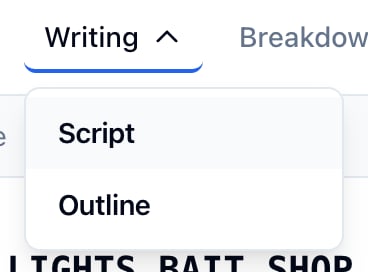
Write in the editor
- Click Writing, then Script.
- Type. The editor formats scene headings, action, character cues, dialogue, parentheticals, and transitions as you go.
- Press ⌘S to save. The editor also saves on its own after 30 seconds without typing.
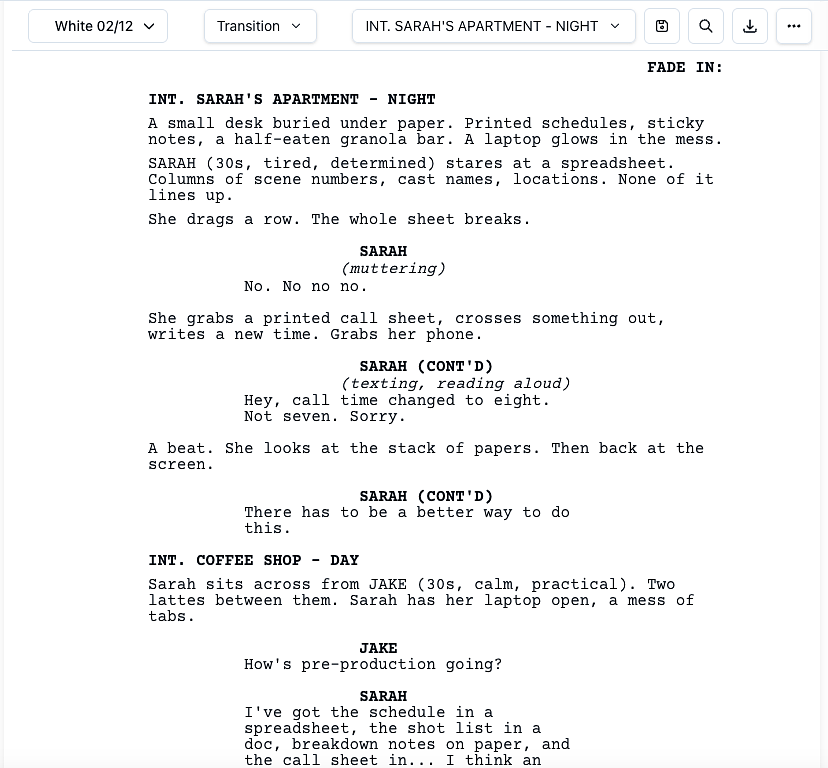
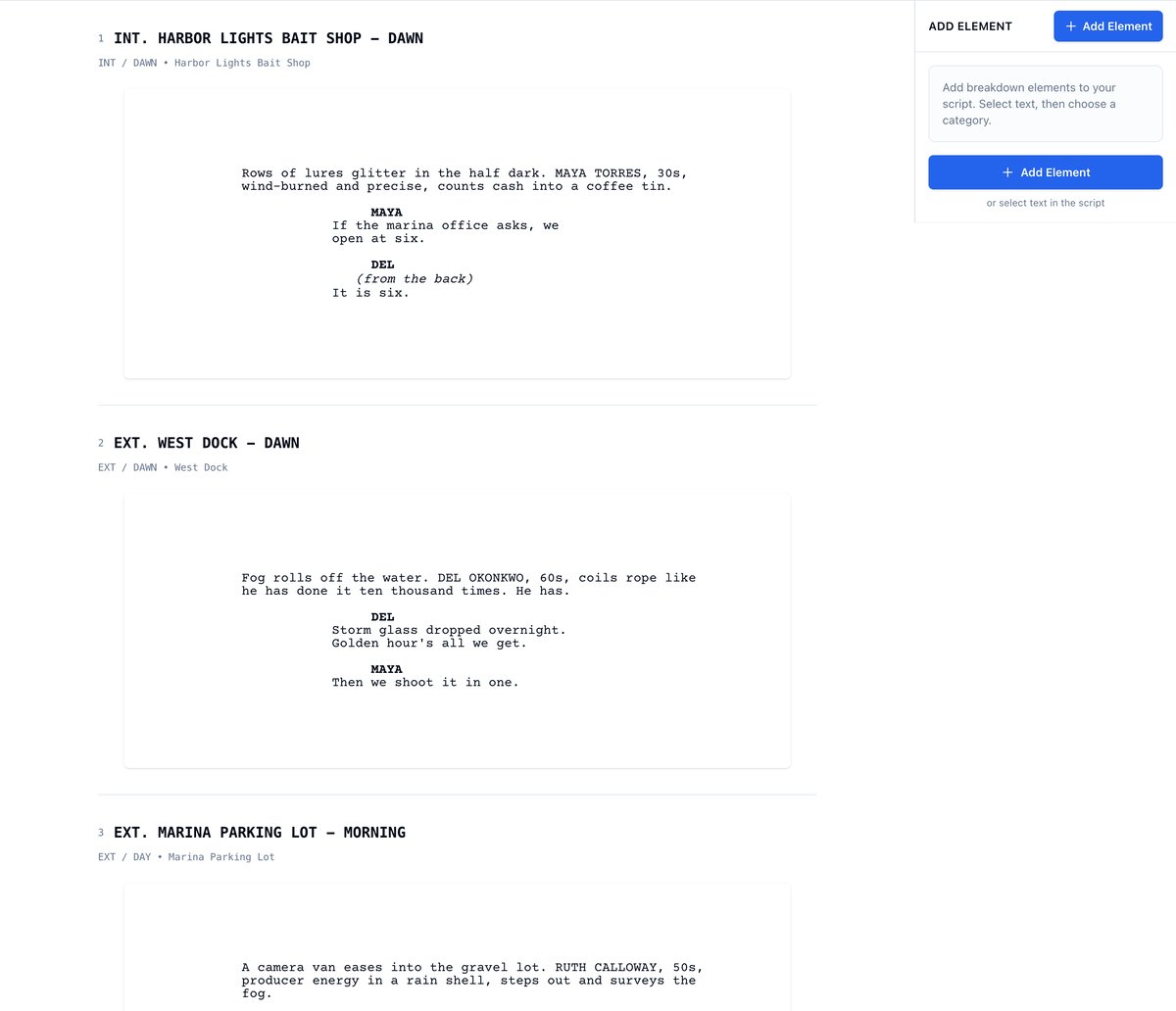
Read the script with the breakdown beside it
The read view lists the scenes with the breakdown panel on the right. This is where you tag elements: select text in a scene, then choose a category.- Click Breakdown in the project nav, then View Script.
- On a phone, the Script entry in the menu opens this view, since the editor needs a desktop browser.
Keep versions
The Versions menu on the read view holds Upload New Version, New Draft from Current, and Lock. See Upload a new version and Locking the script.Export or share
Open Export in the toolbar for Export PDF, Export Text, Export Fountain, and Share view-only link.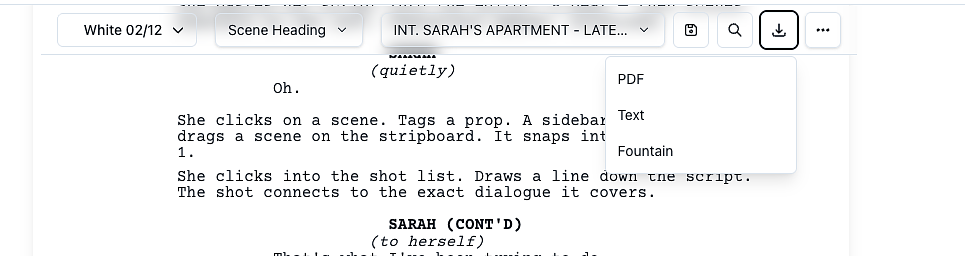
(MORE) and CHARACTER (CONT'D). Download your script covers the formats, and Share a script link the view-only link.