

What is Fountain text?
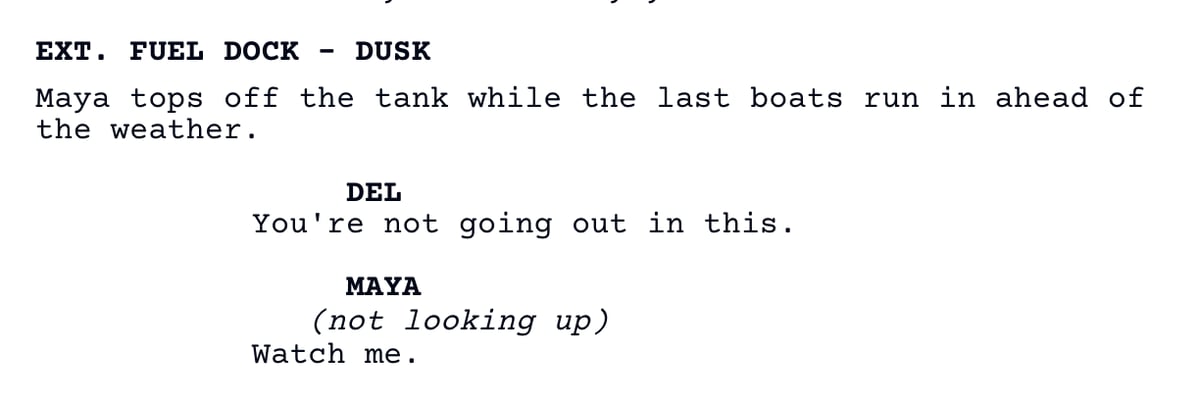
Fountain is a screenplay written as plain text. Scene headings go in caps, a character’s name sits on its own line above their dialogue, and a blank line separates one element from the next. Any app that reads Fountain, Spell Slate included, turns those conventions into a formatted screenplay.What it looks like
Why plain text
- A Fountain file opens in any text editor, on any machine, now or in twenty years.
- It travels between tools. Final Draft, Highland, WriterDuet, and most screenwriting apps read and write it.
- It is small enough to email and simple enough to keep in version control.
How Spell Slate uses it
- The script editor writes Fountain behind the formatted page you see.
- Imports from Final Draft (.fdx), PDF, and Scrivener are converted to Fountain. See Import a script.
- Export Fountain in the editor’s Export menu saves a .fountain file for use elsewhere. See Download your script.