

Import a script
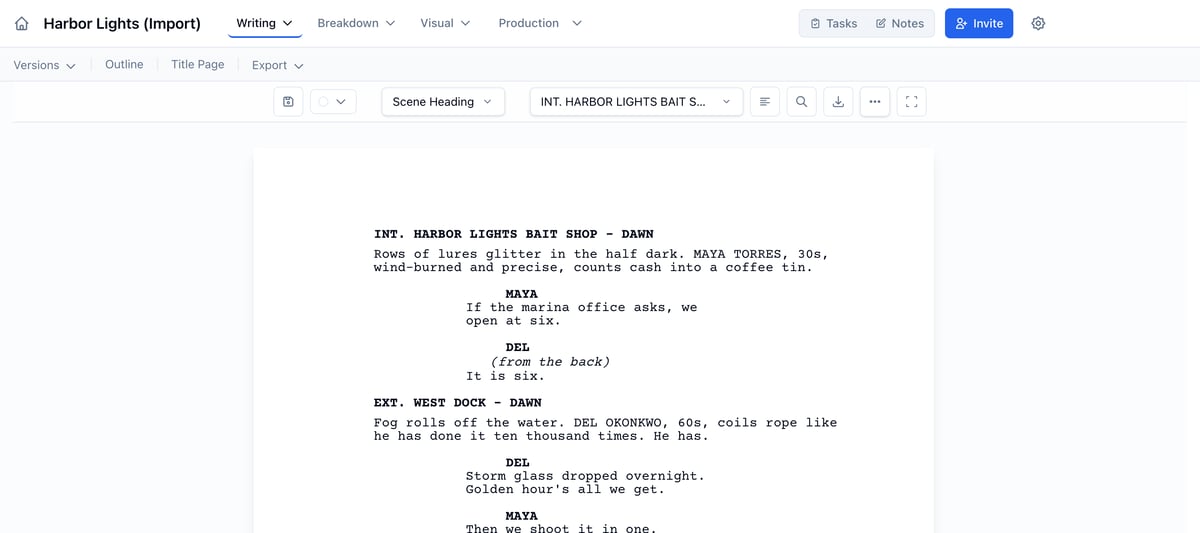
Who can do this: All plans. Importing needs permission to edit the script.Bring in the script you already have, and Spell Slate splits it into scenes, characters, and locations, ready to break down.
Import your script
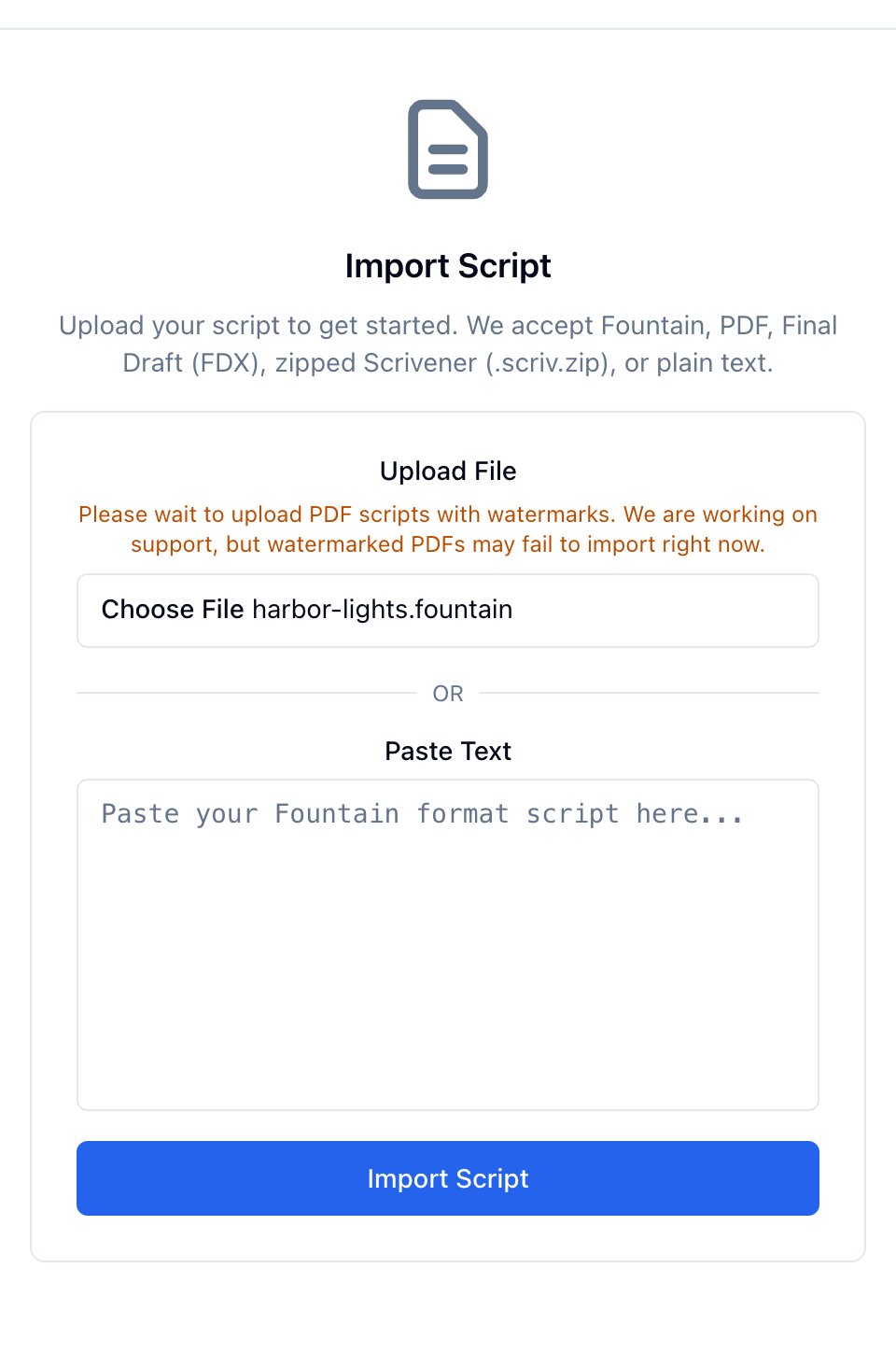
- On Get Started with Your Script, click Import Script. If you’ve already started writing, click Import Script in the row above the script.
- Click Choose File and pick your script, or paste Fountain text into Paste Text.
- Click Import Script.
File types
- Final Draft (.fdx)
- PDF exported from your writing app
- Fountain (.fountain) or plain text (.txt). See What is Fountain text?
- Scrivener, zipped (.scriv.zip)
PDFs
PDF layouts vary from app to app. If a scene heading or its day or night comes in wrong, fix the heading in the editor. The breakdown follows.- Scanned PDFs have no text to read, so they can’t be imported. Upload a PDF exported from your writing app, or a Final Draft or Fountain file.
- Watermarked PDFs may not import yet. Upload a copy without the watermark if you have one.
- Credits pages: lines like Opening Credits or Closing Credits come in as their own scenes, with location and time of day left blank for you to set.
If an import fails
The page says what went wrong.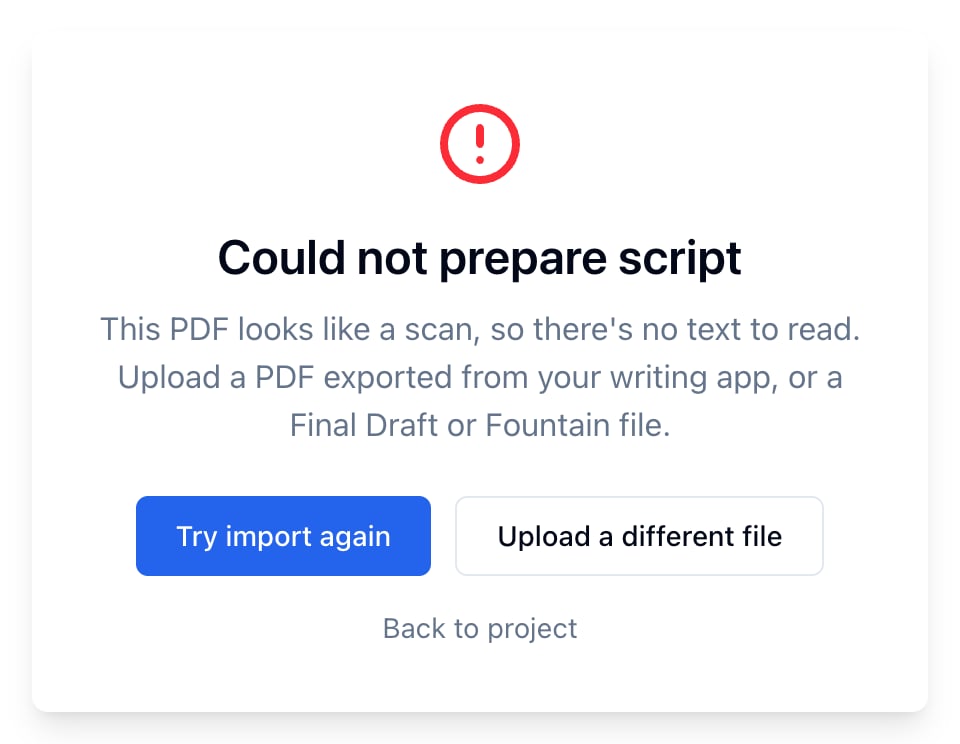
- Try import again reads the same file again. Use it when something went wrong partway.
- Upload a different file takes you back to the import form.