Tasks and Notes
Who can do this: All plans. On Free, Tasks and Notes are available in your first project only.
Tasks
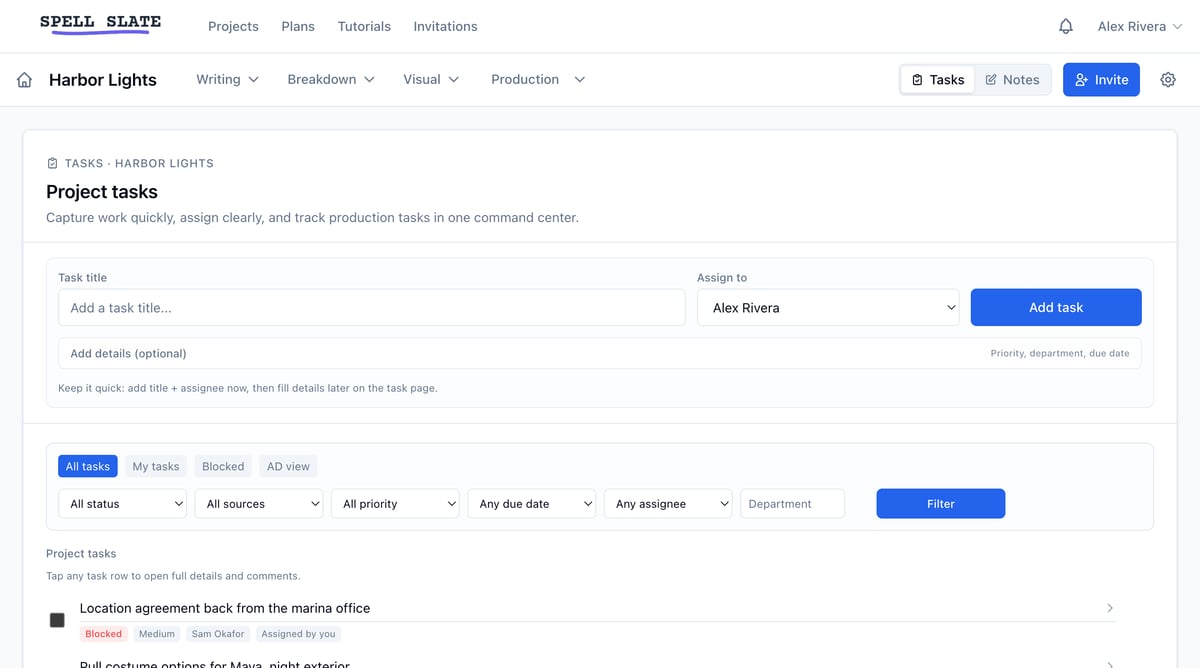
On a shoot, the to-do list lives in texts, call sheet margins, and someone’s memory. Tasks keeps it in the project, next to the script and schedule it came from. Find Tasks in the project nav. Your own assignments across every project are on the homepage under My Tasks. Two kinds of tasks feed the same list:- Project todos: standalone tasks with an assignee, notes, and comments.
- Card todos: todo cards on any board (project, scene, character, item). One card can hold several items, each with its own assignee.
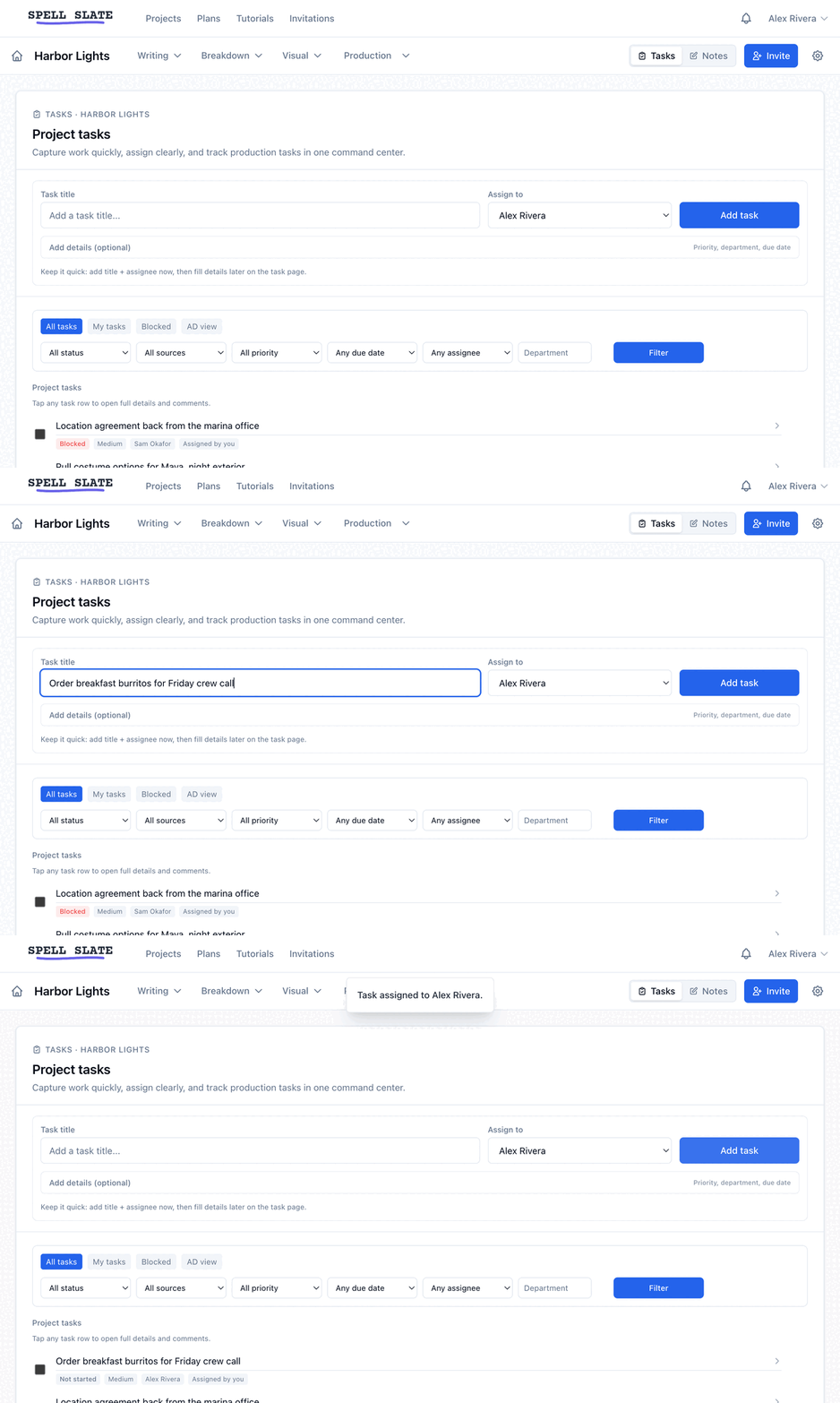
Create a project todo
- Open Tasks in the project nav.
- Enter a Task title and pick who to Assign to. Priority, department, and due date are optional.
- Click Add task.
Not started, In progress, Blocked, and Done. Only the assignee, the creator, and org admins or the owner can change a task’s status.
What the assignee sees: an email with the task’s status, priority, department, due date, and blocked reason when there is one. If someone else edits the task later, the assignee gets an update email. When a task moves to Done, the creator gets an in-app notification.
Create a card todo
- Add a card to any board and set Card type to Todo.
- Add items inside the card and assign each one.
Comment on a task
Click the comment icon on a task or card item to open the slide-out thread panel. It is the same panel used on boards. The assignee, the creator, and anyone who commented before get an email for each new comment. Type @ to mention someone else on the project and they get the email too. Reply to any of those emails to post your answer as a comment. See Comments and mentions.Find tasks fast
- Saved views:
All tasks,My tasks,Blocked,AD view. - Filters: status, source, priority, due window, assignee, department.
Notes
Every production has a pile of notes that belong to no scene in particular: the pickup list, what the location owner said about parking, shot ideas from the drive home. Notes is where those live, next to the script instead of in your phone. Find Notes in the project nav. Notes save as you type. Select text to make it bold, italic, or underlined. Type or paste a web address and it becomes a link.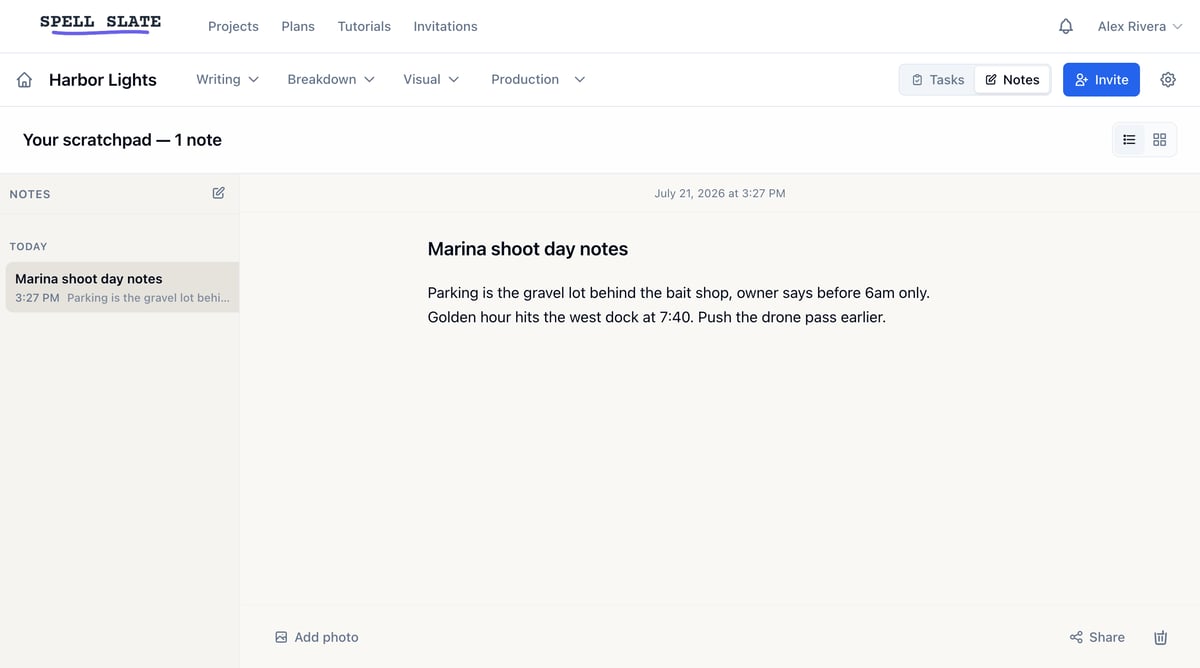
Add photos
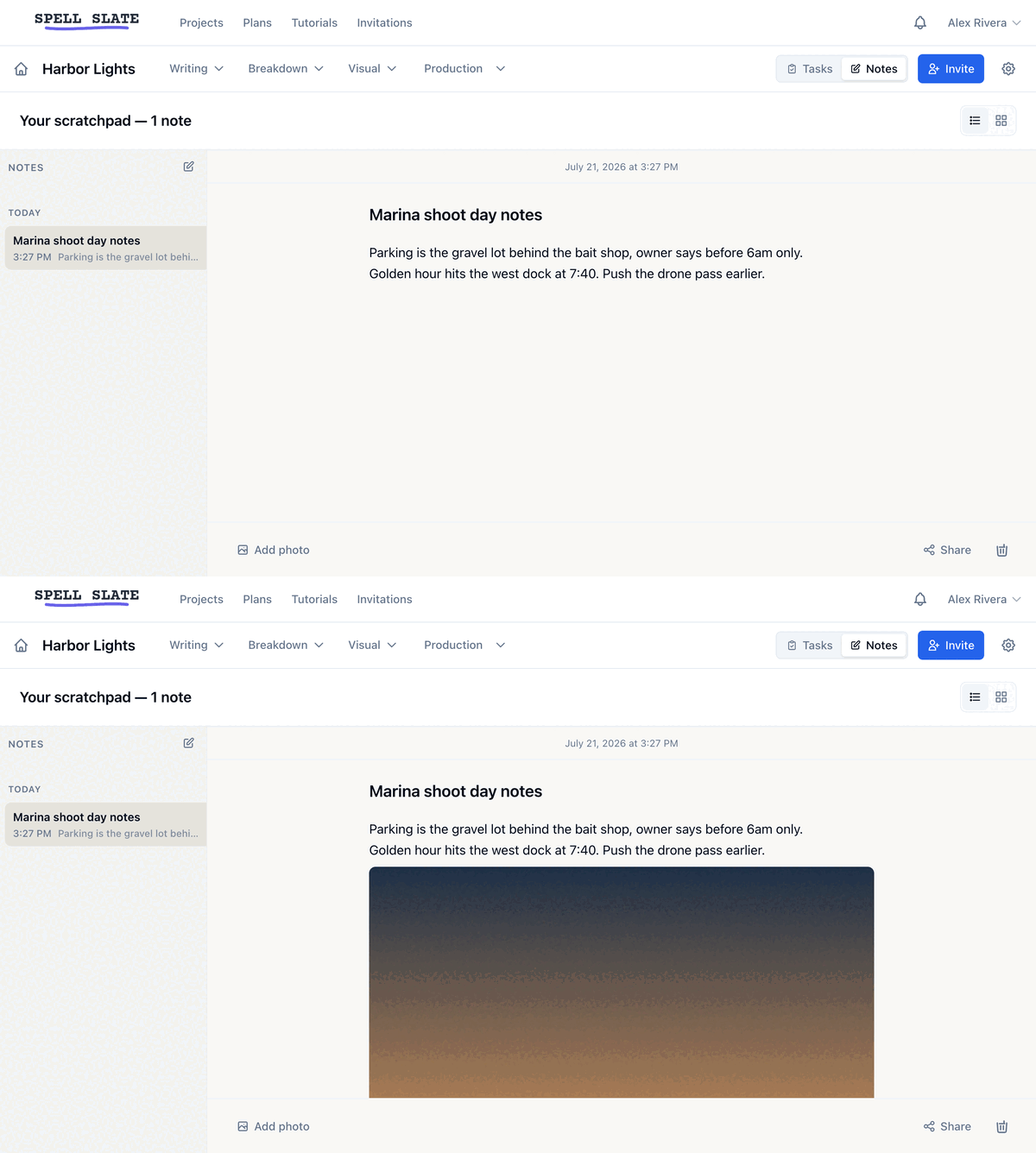
Photos sit inline with your text, like in Apple Notes.- Click Add photo at the bottom of the note. Pick one or more images. They are added at the end of the note.
- Drag an image into the note to place it where you drop it.
- Paste an image to place it at your cursor.
Share a note
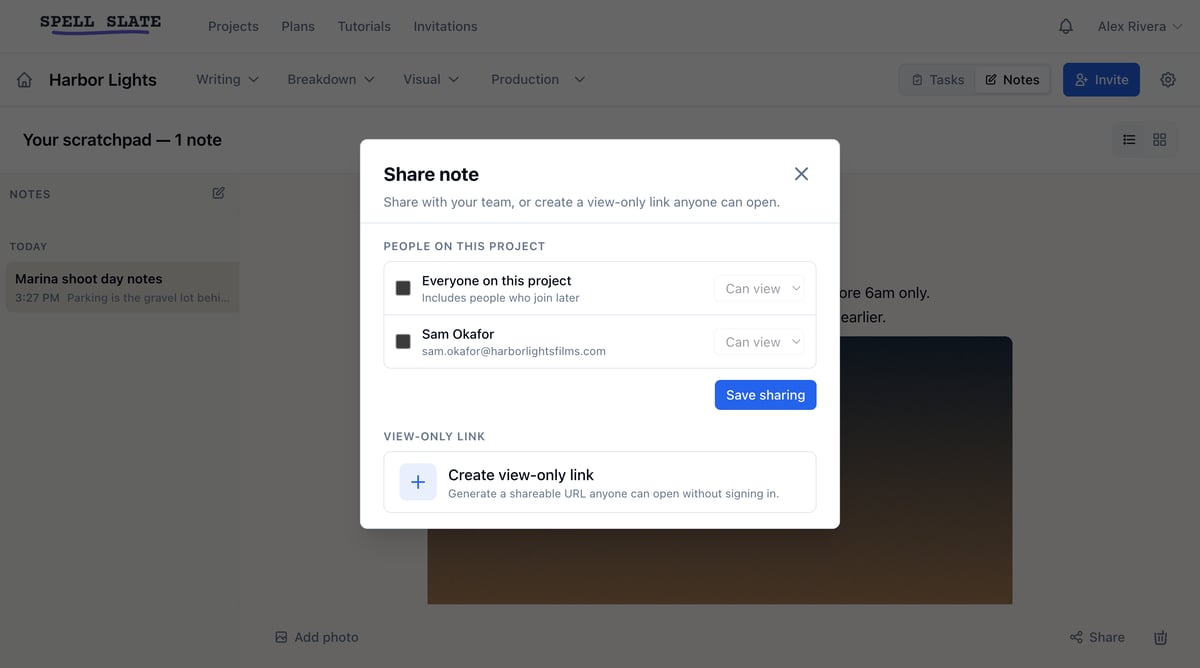
Notes start private to you. Only you can delete your note or change who it is shared with.- Open the note and click Share.
- Check the teammates you want, or check Everyone on this project.
- Pick Can view or Can edit for each person.
- Click Save sharing.