Create your first project
Who can do this: Organization owners and admins, and members allowed to create projects. Every plan includes unlimited projects. On the Free plan, breakdown, scheduling, shot lists, call sheets, and budget work on your first project.A project is one film: its script, its breakdown, its schedule, and everything you send to set. Start one, then bring in the script.
Start a project
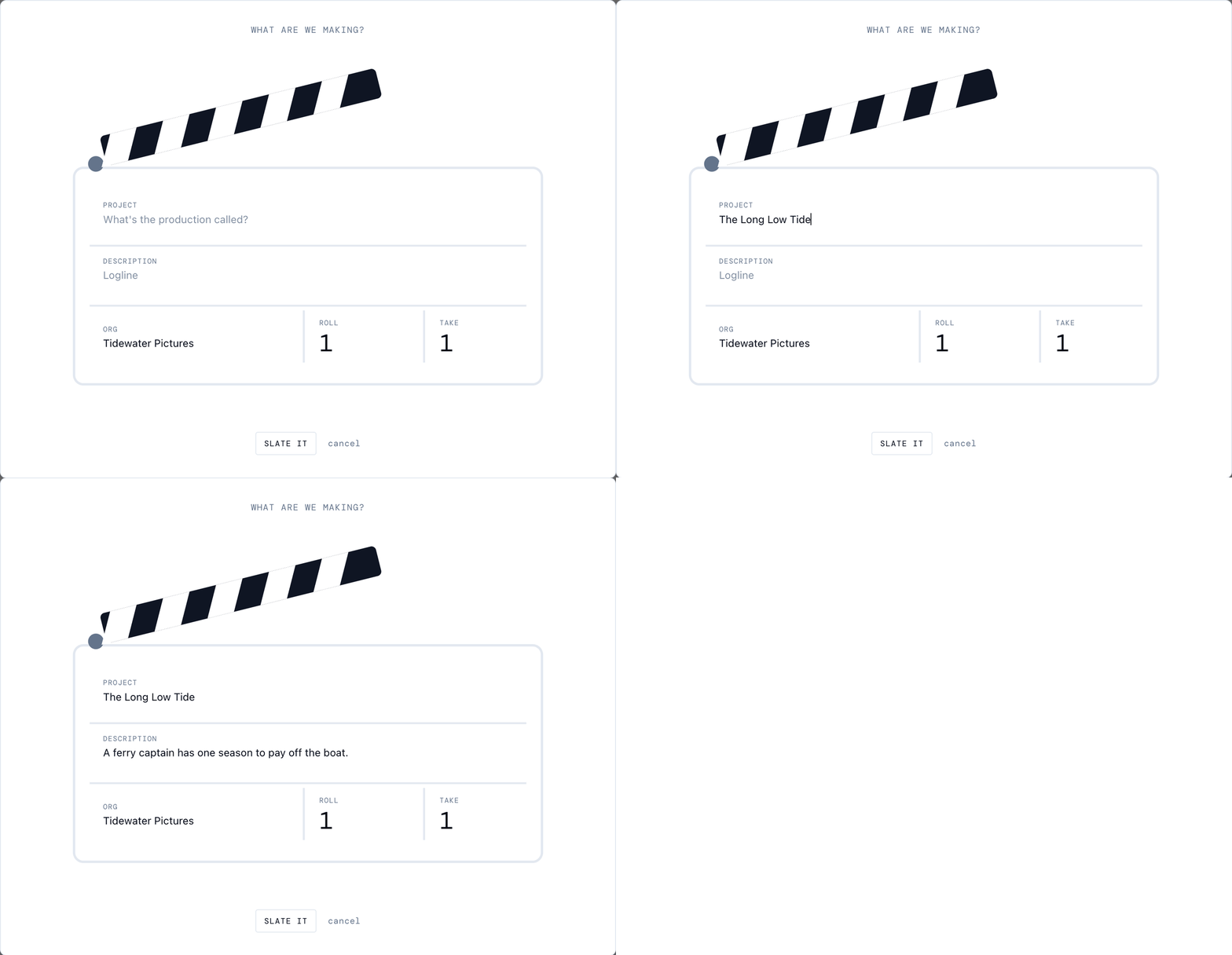
- On Home, click Create project.
- Type the title under Project.
- Add a logline under Description if you have one.
- Click Slate It.
Bring in your script
The new project opens on Get Started with Your Script.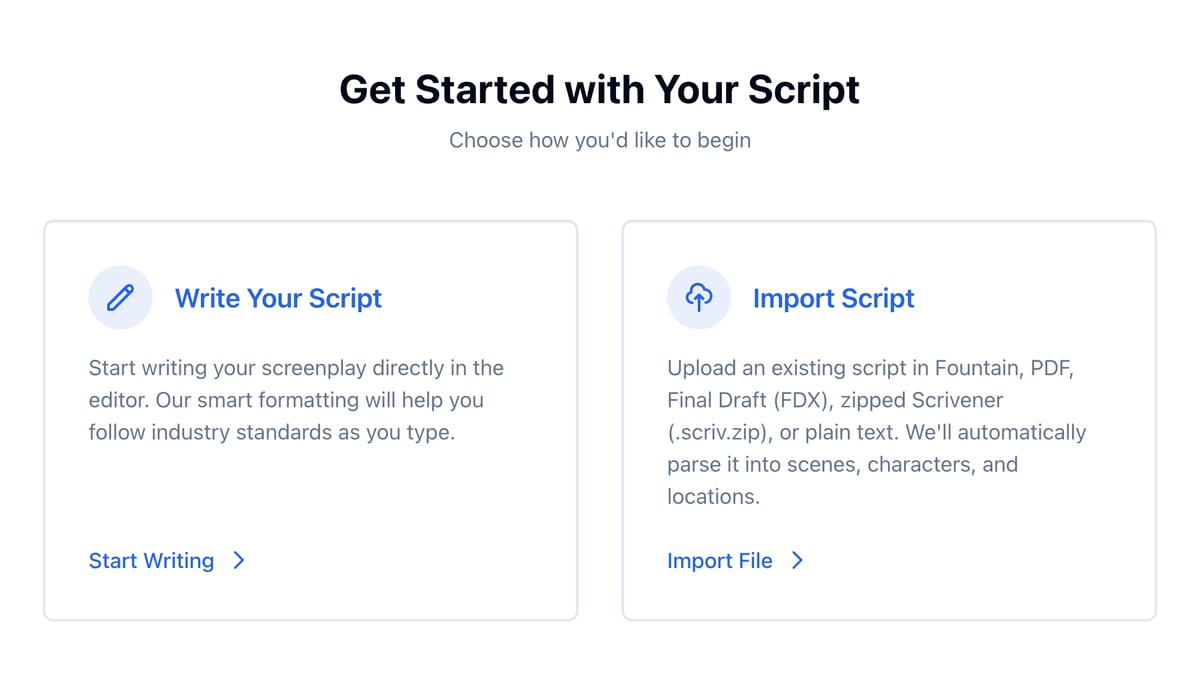
- Write Your Script opens the script editor on a blank page.
- Import Script takes a Fountain, PDF, Final Draft (FDX), zipped Scrivener (.scriv.zip), or plain text file, or Fountain text you paste in. Spell Slate turns it into scenes, characters, and locations.
Start a project on a phone
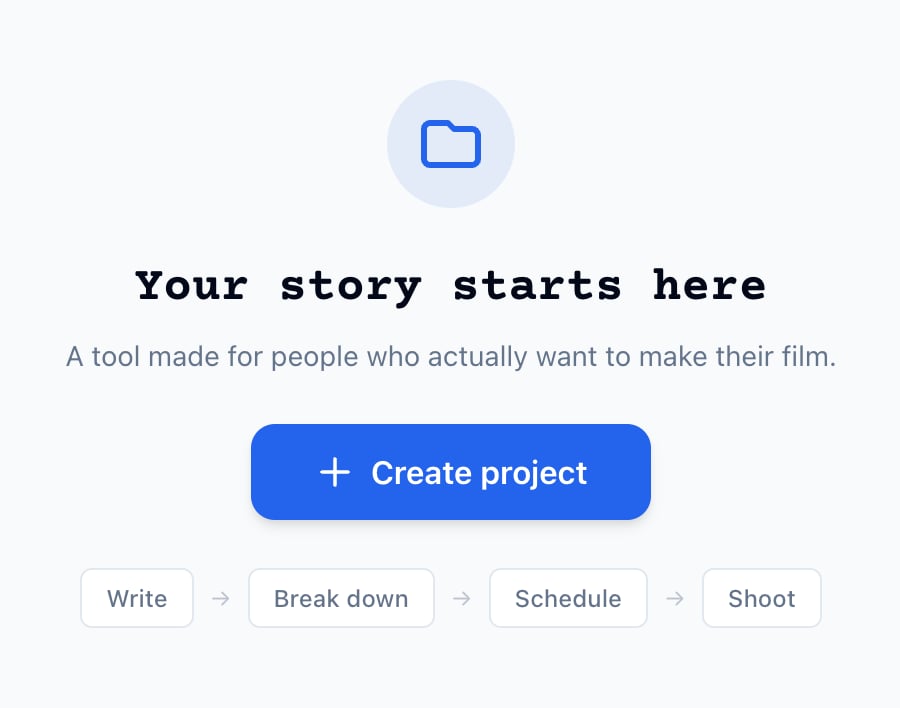
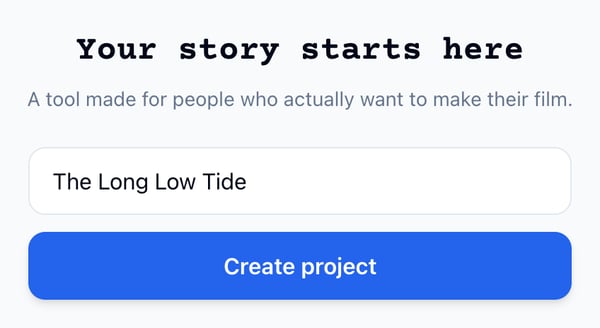
- On Home, type the title in the field under Your story starts here.
- Tap Create project.
Find your projects
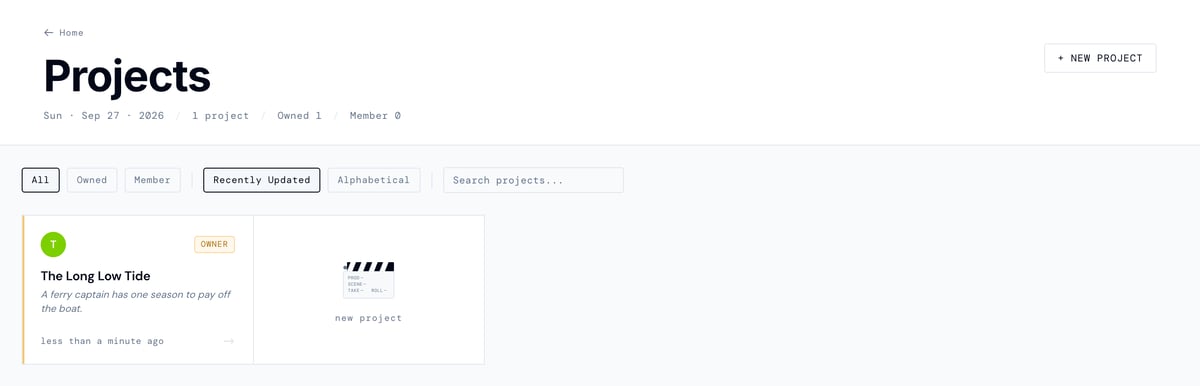
Click Projects in the top bar to see every project you own or belong to. On a phone, your latest projects are on Home; tap See all for the rest.