

Merging duplicate characters or locations
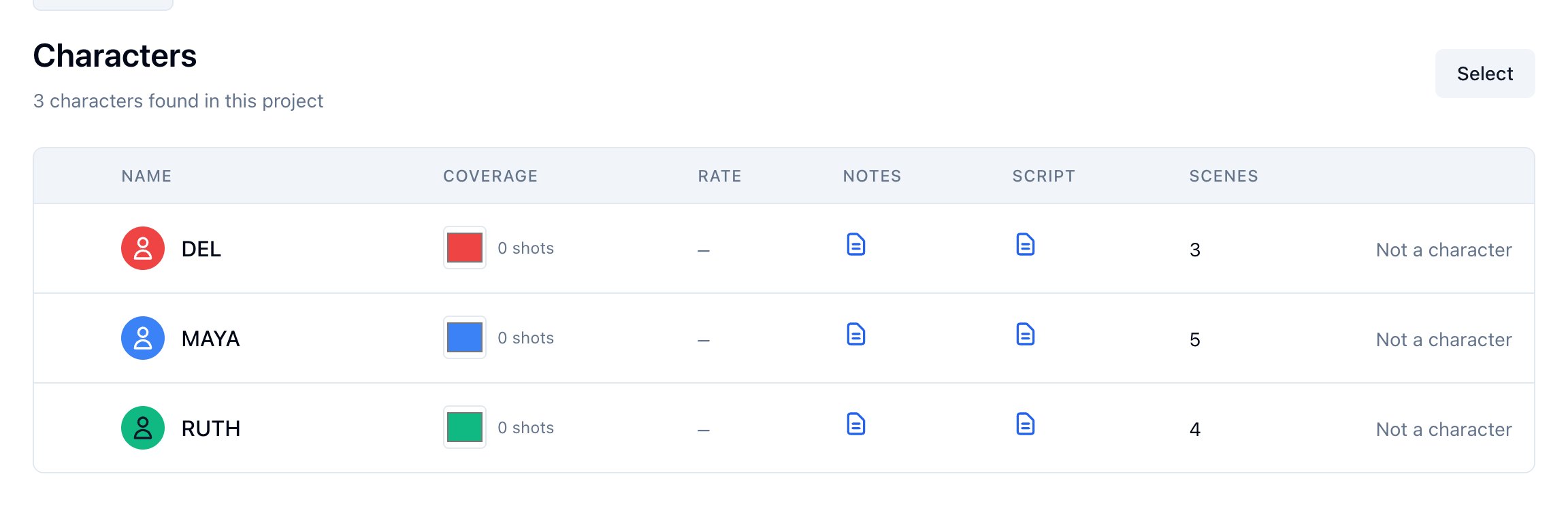
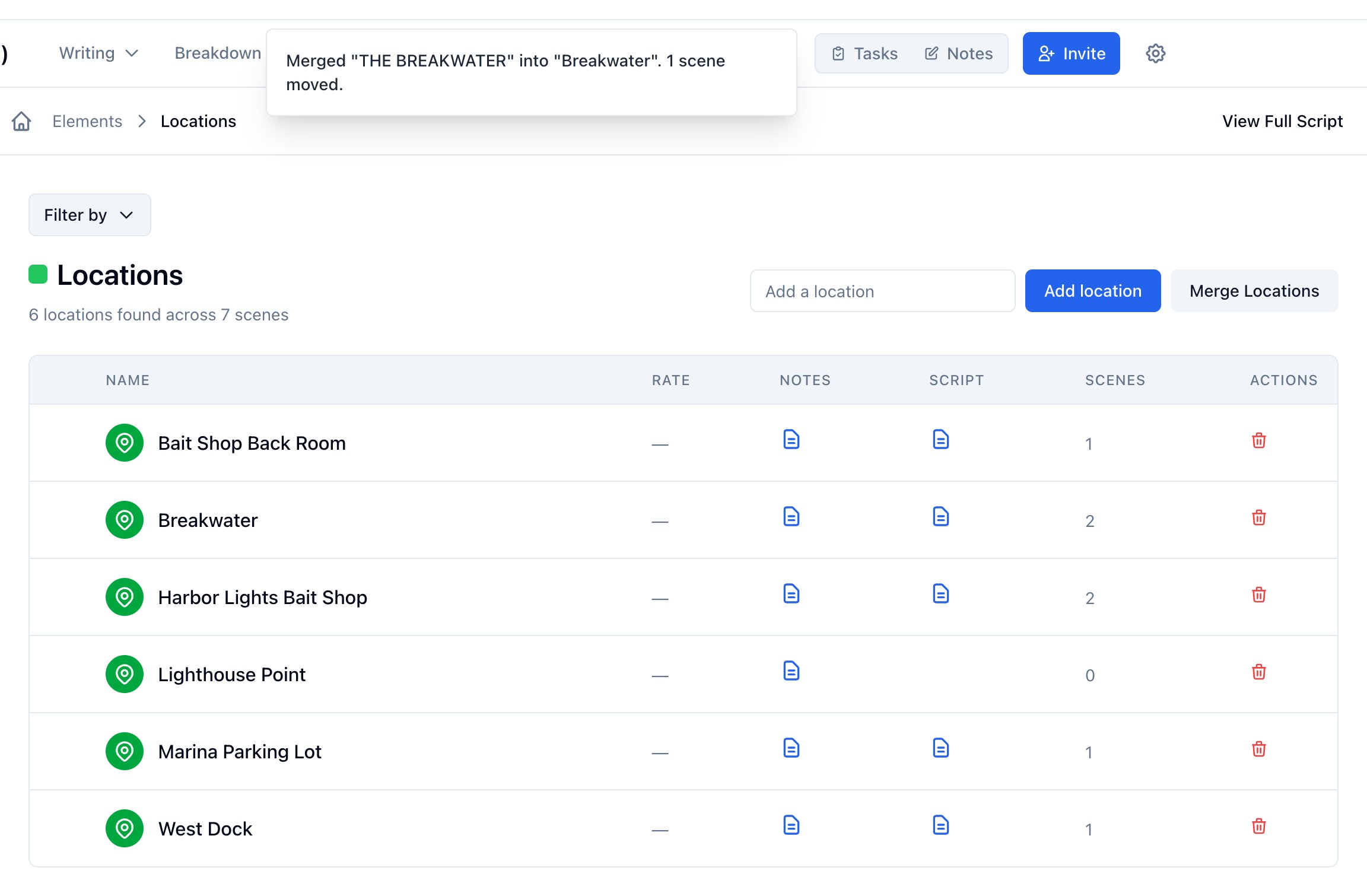
Who can do this: Free plan on your first project, Supporter on all projects. Merging needs project edit access. Members with view access see the lists but no Select or Merge Locations.The parser reads cues and headings as they are written. RUTH and RUTH CALLOWAY come in as two people; EXT. BREAKWATER and EXT. THE BREAKWATER as two places. Merge them and every scene, board, and call sheet points at the one you keep. Find both lists under Breakdown → Elements: Cast Members and Locations. Props and the other tagged elements have their own Merge Items on each category list; see Managing props.
Merge characters
- Open Breakdown → Elements → Cast Members.
- Click Select.
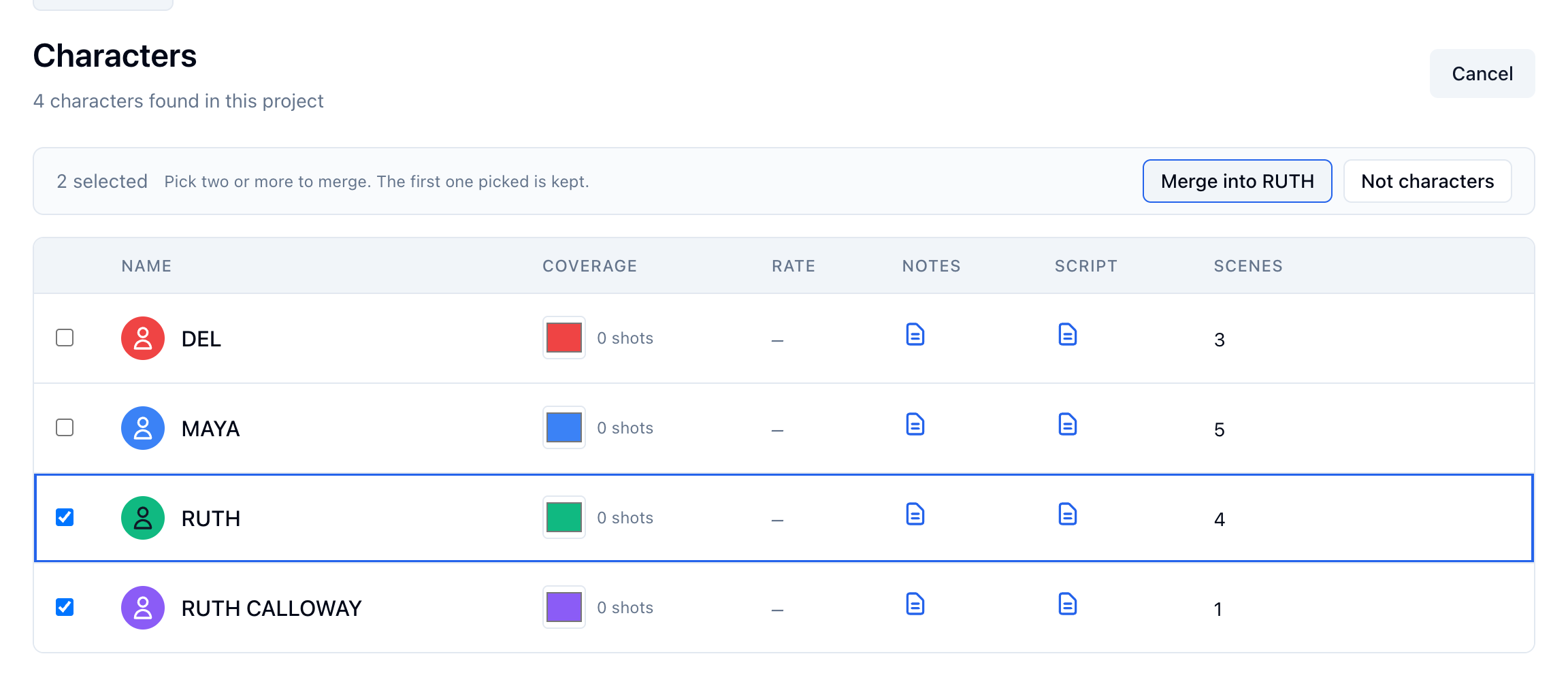
- Tick the character to keep, then the duplicate. The first one ticked is the one kept.
- Point at Merge into to see the kept row outlined, then click it.
Merge locations
- Open Breakdown → Elements → Locations.
- Click Merge Locations.
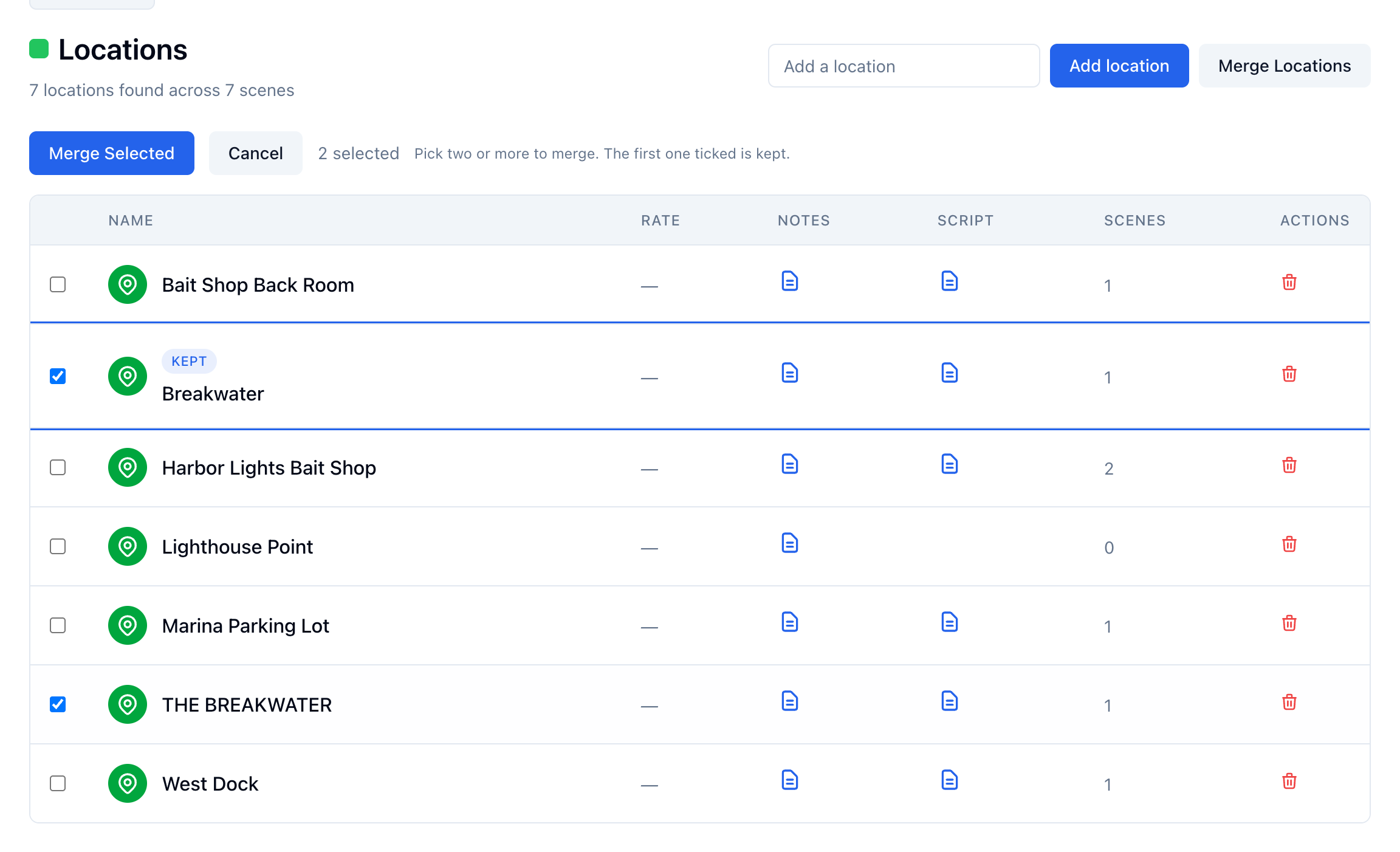
- Tick the location to keep, then the duplicate. The first one ticked is marked Kept.
- Click Merge Selected.
What to check before you merge
- A merge cannot be undone. The record you do not keep is deleted.
- Keep the one with more on it: more scenes, a cast member assigned, cards on its board.
- Two boards become one. An untouched starter card is dropped when the kept board already has that card; anything someone wrote on stays.
- A call sheet that already lists the kept location keeps its row and drops the duplicate’s.