Sharing a shot list (view-only link)

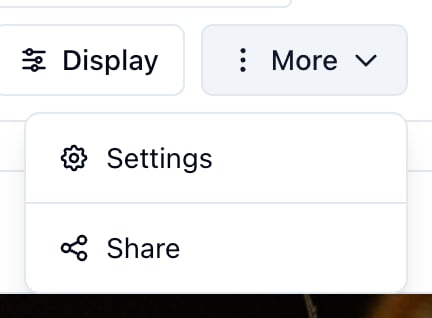
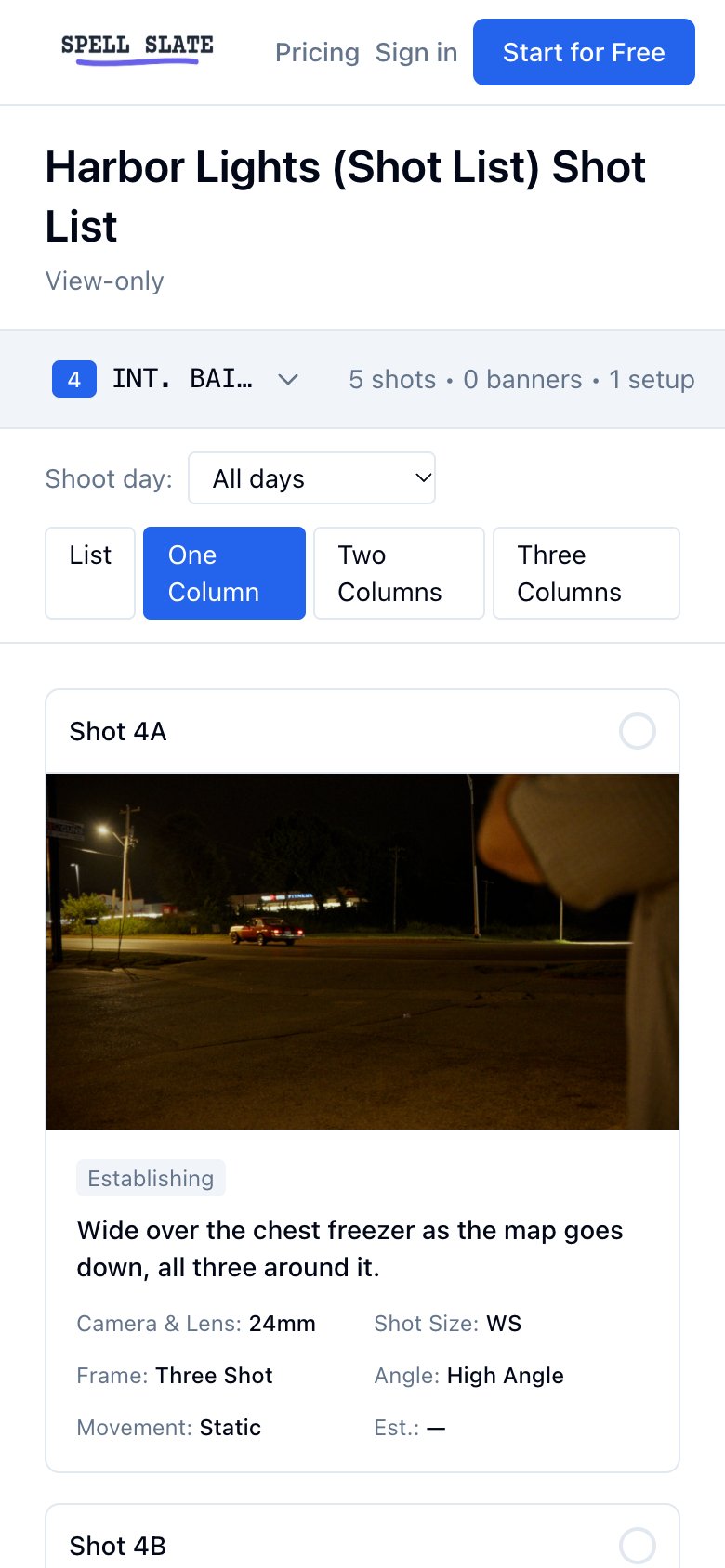
You can share your shot list with anyone using a view-only link. People with the link can open and browse the shot list (list or cards, scene picker, group filter) without signing in. Useful for department heads, clients, or crew on set who only need to view the list. In the shot list View ( VisualShot ListView), open MoreShare. The Share modal lets you create, copy, and revoke the view-only link.
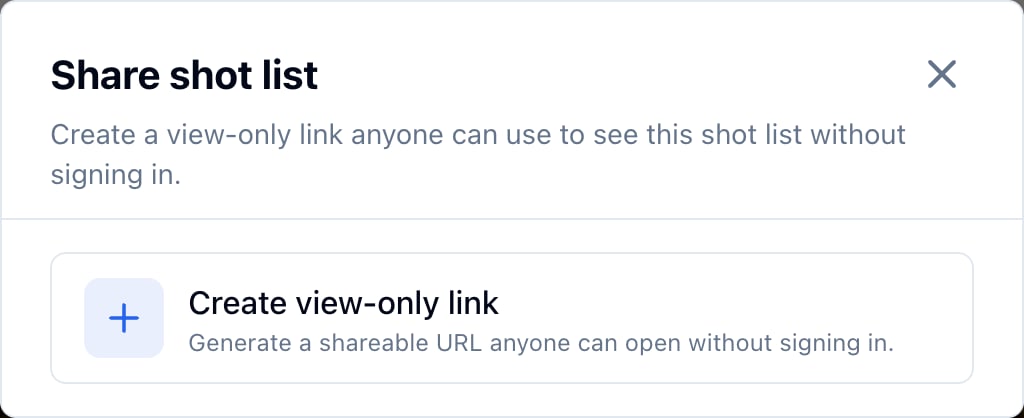
  1. Click Create view-only link (or Create link). The app generates a unique URL for this project’s shot list.
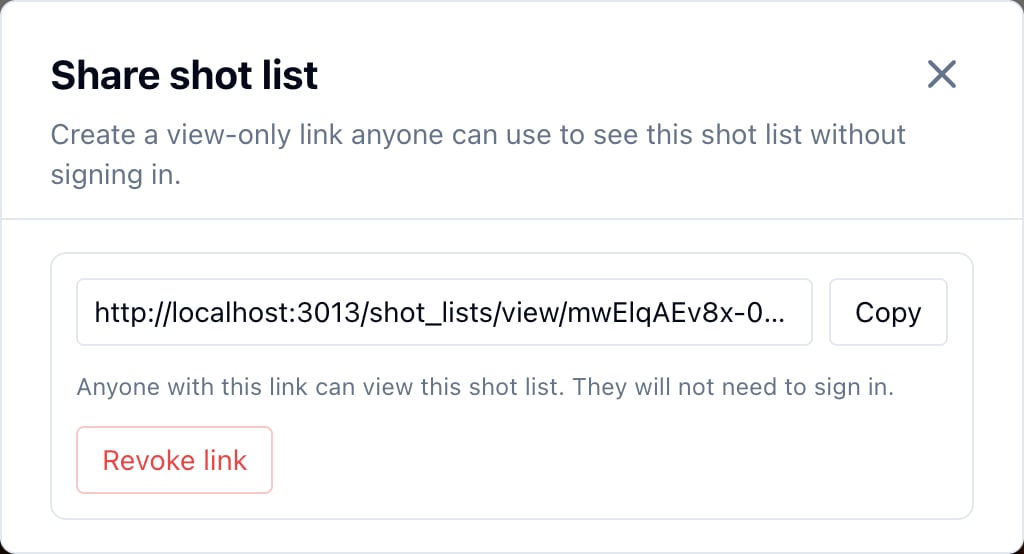
  2. Click Copy to copy the URL to your clipboard.
  3. Send the link by email, message, or chat. Anyone who has the link can open it in a browser and see the shot list.
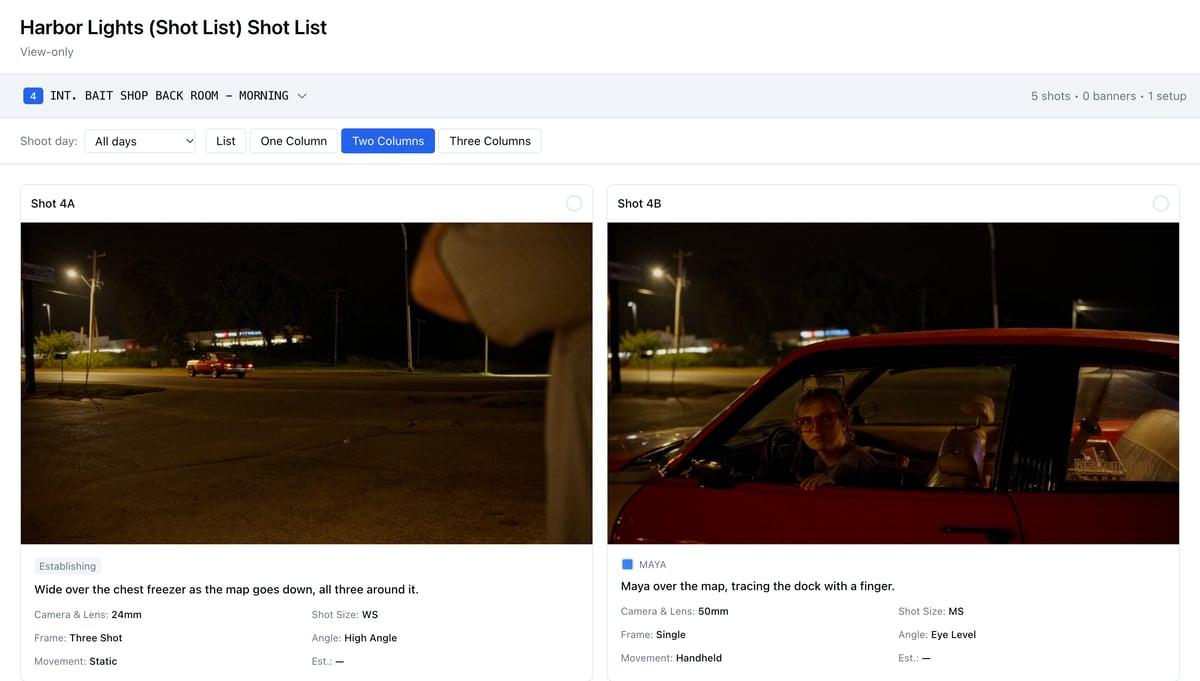
Recipients do not need a Spell Slate account. They open the link and see the same View you see: they can switch between list and card layout, change the scene with the scene picker, filter by group, and search shots. They cannot edit shots, change settings, or export; it is view-only. If you need to stop access (e.g. the shoot is over or the link was sent to the wrong person), open MoreShare again and click Revoke. The current link stops working. No one with the old URL can view the shot list anymore. If you want to share again later, click Create view-only link to generate a new URL.

What recipients see

  • List or card layout: Same view options as in the app (table or 1–5 column cards).
  • Scene picker: They can switch to another scene or view All Shots.
  • Group filter: They can filter by shoot day or custom list if you use groups.
  • Search: They can search shots by text.
  • Shot details: Description, size, type, movement, coverage, reference images (if you added them), and status (Shot / Not Shot). Cut shots are hidden unless you have chosen to show them before sharing; the share link reflects your current view settings where applicable.
Recipients cannot add, edit, or delete shots; they cannot change settings or export PDFs. They only view the shot list. More: Shot list, Managing shot lists, View, export, and share.